
Adobe MAX, the annual creativity conference, is happening in Miami this week. This is the event where Adobe releases the next year’s Creative Cloud applications, and highlights the new features and functionality in those applications. This year, the theme that runs through all of those new updated applications, is agentic AI. Adobe has created its own AI Assistant agents that are trained and optimized for its various applications, and they are also adding MCP support to their flagship creative applications, so that those programs can be more easily operated by other AI agents, like ChatGPT or Claude. They have even added AI Assistants to their web based tools in Firefly.
 So that begs the question, what exactly is Agentic AI? Agentic AI is artificial intelligence that acts as your ‘agent’ or personal assistant, not just making recommendations, but taking actions for you in existing applications. LLMs (large language models) have been around for a few years now, and they started out as purely text in, text out, so they answered questions, but didn’t really ‘do’ anything, besides write your term paper. Then with stable diffusion, we got ‘generative AI,’ which creates images, video, and audio, from various inputs, frequently just text. So LLMs can be utilized to create or refine prompts for generative AI, but it is a totally different technology. Now applications can be directly controlled by LLMs, (or intelligent ‘models’) via various APIs, and more recently a more standardized interface called MCP. MCP stands for Model Context Protocol, and is a framework that allows models to communicate with and control other applications in a consistent way. Different applications will have wildly varying potential commands and options, but they will need an agreed upon language to communicate in, and a path for that data to flow between them. MCP is the standardization of that communication, regardless of the actual content being communicated, or the model being used.
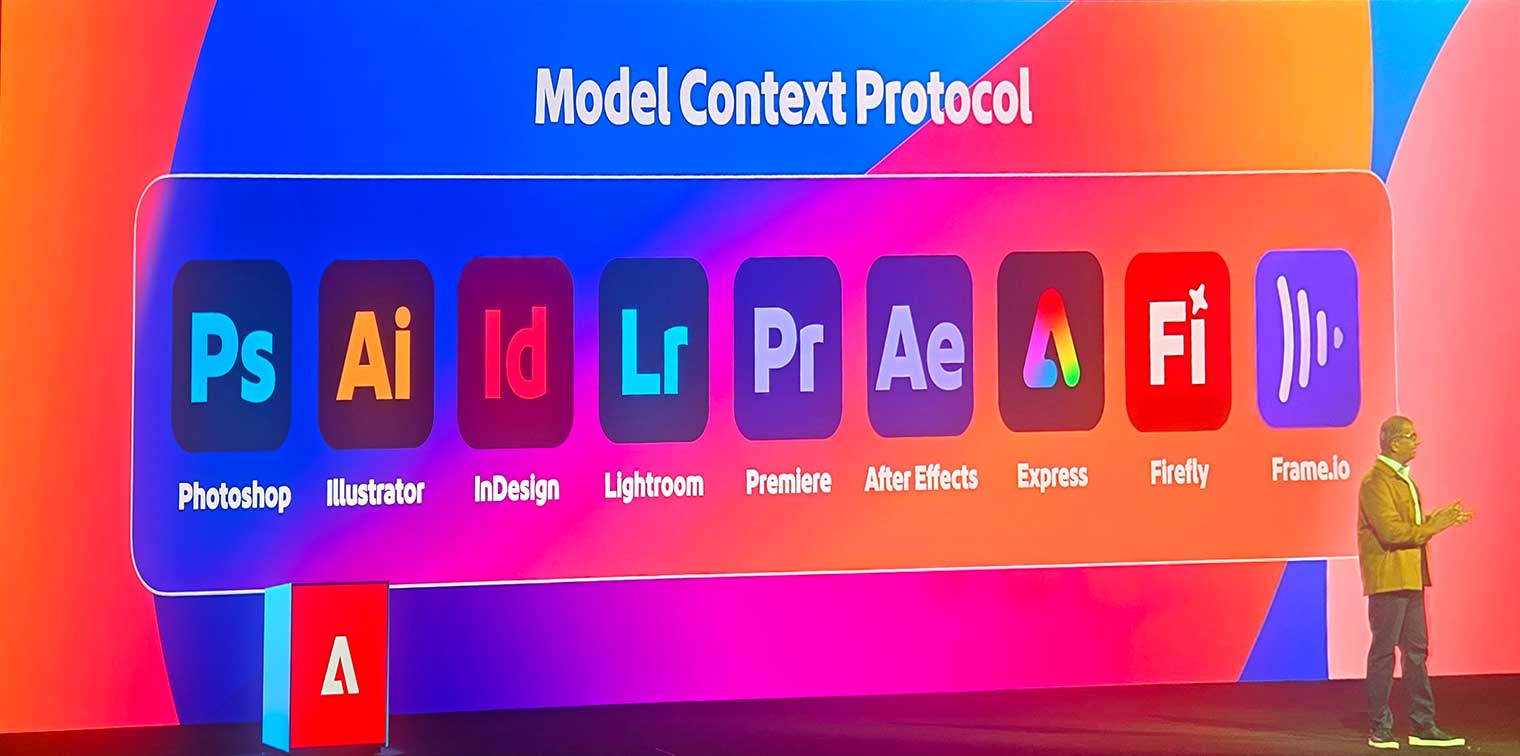 So any application that supports MCP, can be controlled by a wide variety of possible models, from ChatGPT, to Claude, Gemini, or CoPilot. But what exactly within the application can be accomplished by an AI agent will depend on what functions are made available to the MCP interface. The other approach, is to build AI agents directly into an application, which offers more direct control over the application, instead of having to fit within the constraints of the MCP standard, and allows the model behind the agent to be pre-trained for the expected tasks within the application. Adobe has been pursuing both approaches, and offers various ways to integrate agentic AI into creative workflows, depending on the application.
 Adobe Premiere
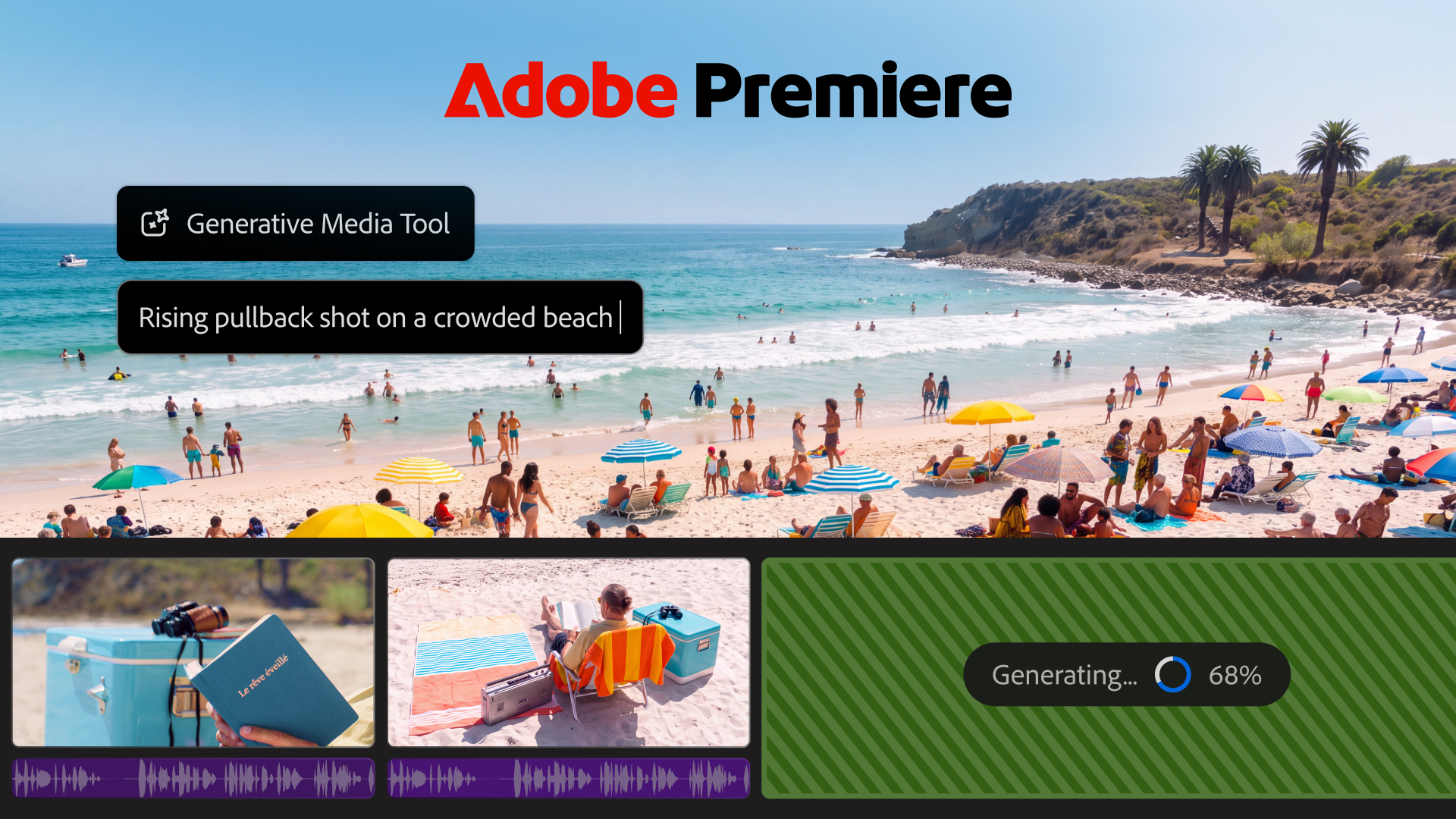
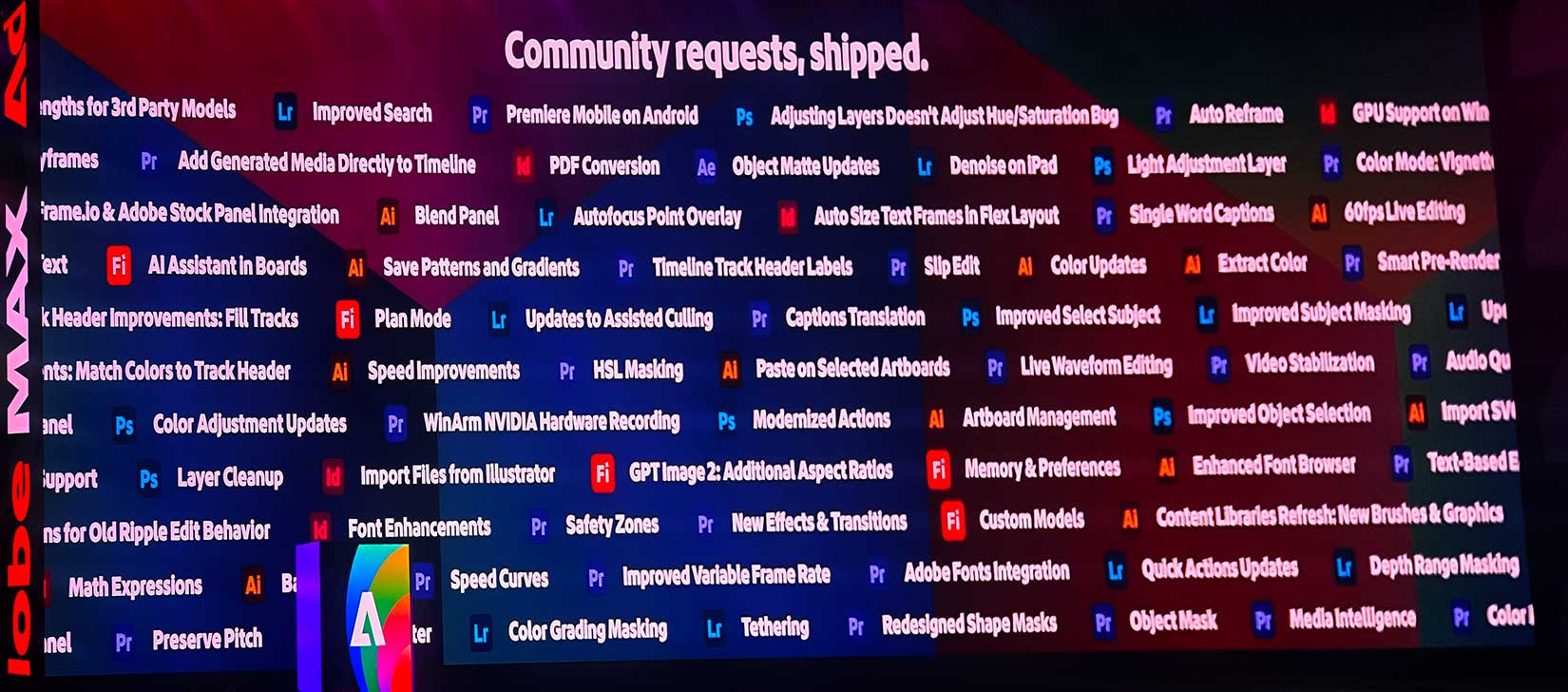
Premiere has all sorts of new functionality introduced over the last few months, most of which were revealed in the public beta program, before being announced here. I already highlighted the integration of the generative video and audio features in my IBC article a few months ago, but since then, they have added a full still-image generation interface in Premiere, and they just added a generative “remove” feature to the smart masking tool set. You can now select and track an object within a shot, and not just isolate and remove it, but it will generate new pixels to replace it, as if it was never there. This is a significant new feature, which is not just a migration of an existing capability from FireFly, but a whole new functionality.
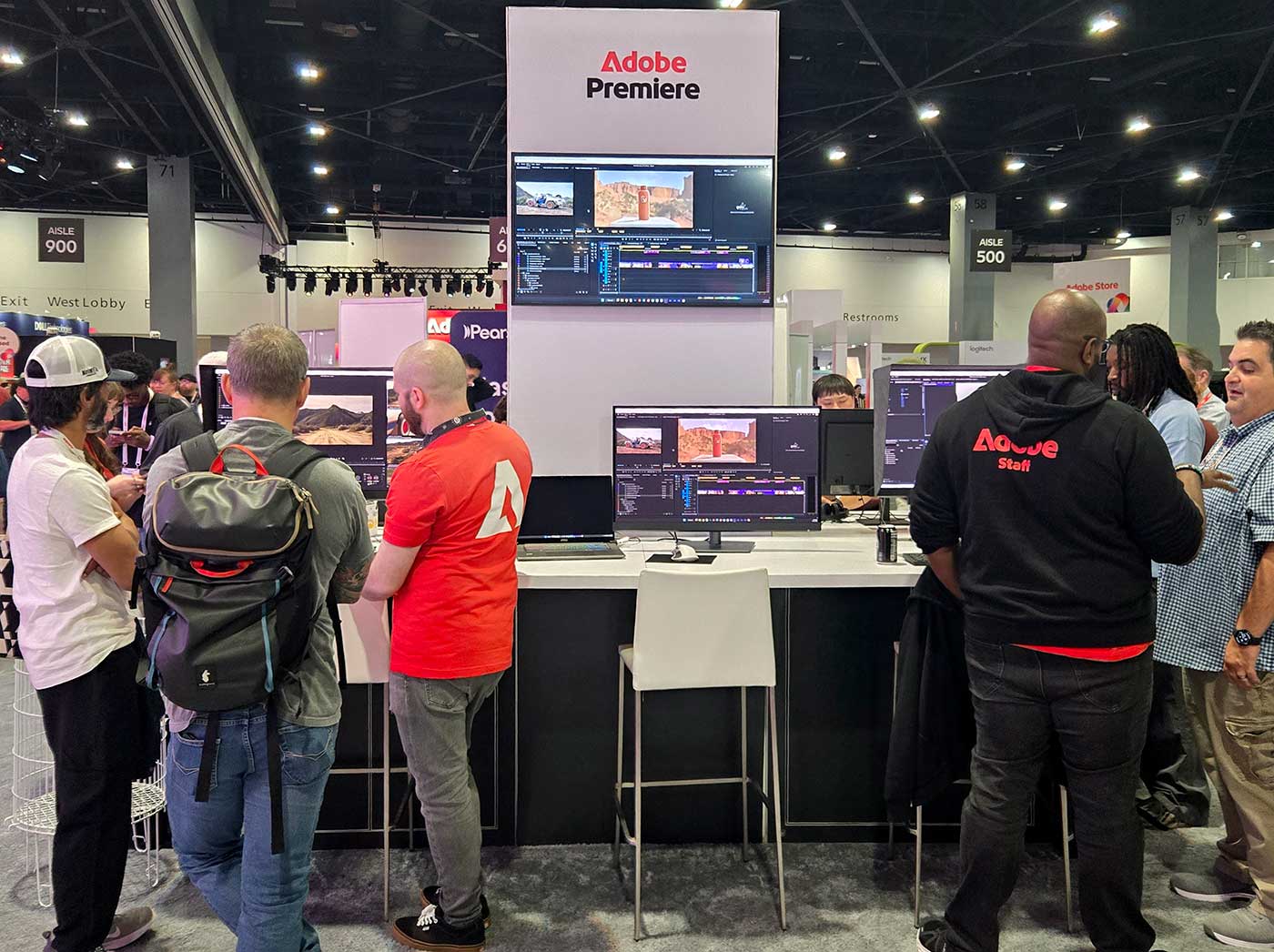 Many of Premiere’s recent developments have revolved around audio. Beyond the new tools for generating music tracks and sound effects, as well as background noise, there are new tools for editing and processing existing audio. Premiere can now break down a flattened track into its component parts, isolating the dialog, music, effects, and background noises, and controlling the levels of each of those separately. I remember seeing early versions of some of these functions at Sneaks over the last few years, but now they are here for us to use, and they work surprisingly well in my experience. My music needs are totally met with the new music generating tool, and the audio enhancement options are simple enough for me to use, but powerful enough to accomplish everything I need.
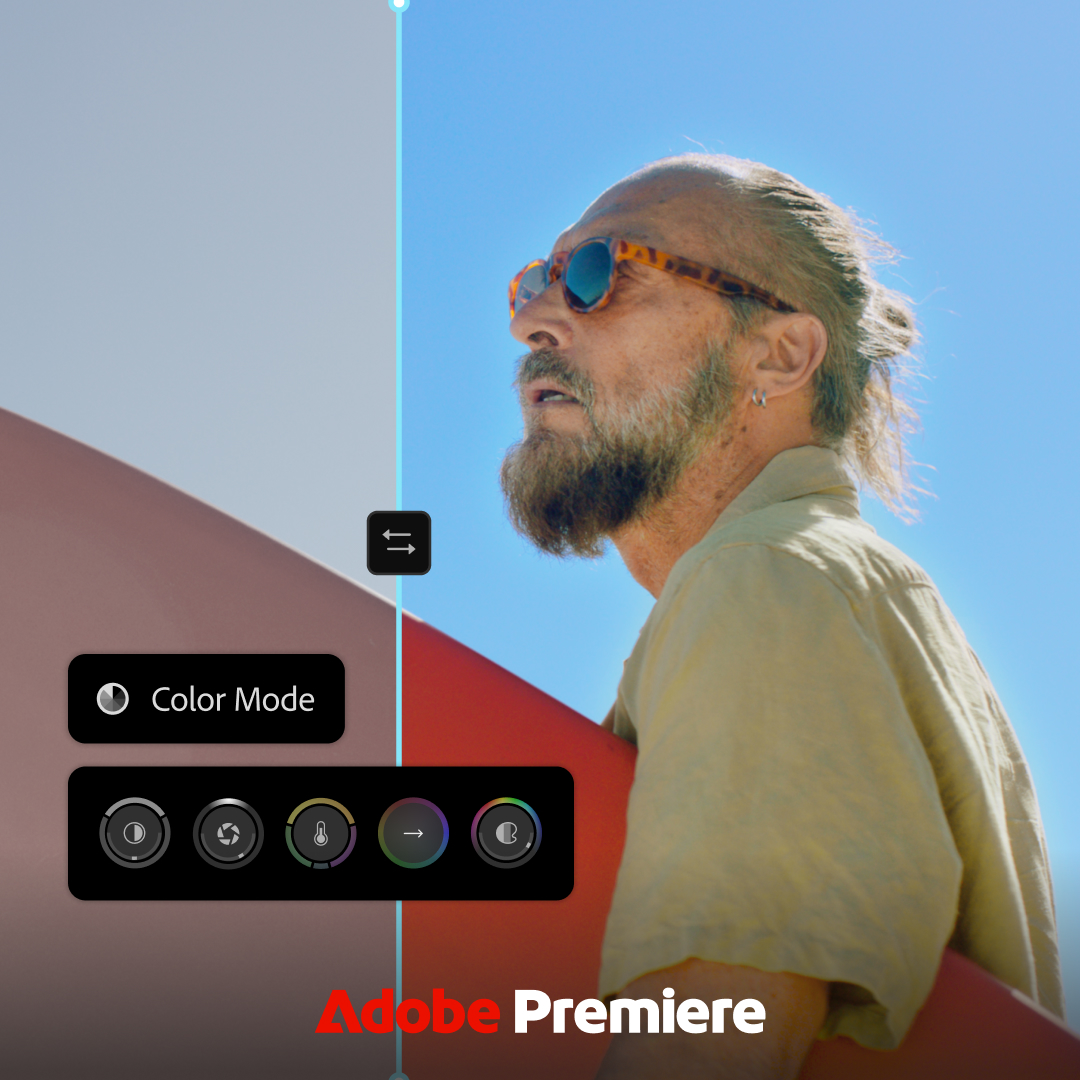 The same can not be said for Premiere’s new Color Mode, which has replaced the previous Lumetri toolset. I don’t question that it is powerful enough to meet user’s needs, but it isn’t as simple as it was before, and features like color matching are not available in the same way. Part of that issue is the need to adapt to new changes, but the combination of adding the color workspace, and the shift from Effect Controls to Properties has been a challenge for me and many others to adapt to. Unlike the Import/Export modes, the color mode will be an improvement, once users adapt to it, and integrate it into their workflows, but there are still a few things that will need to be added before it will fit smoothly into larger workflows. I had the opportunity to chat with Adobe’s Jason Druss about that functionality, and I will see if the tips he was able to provide end up helping me integrate the new toolsets into my workflows more seamlessly. The new tools do require some research and experimentation to get used to the new way of working, and many of the powerful features are hidden behind small UI items. This is a case where online documentation or videos may be a better way to find specific features, compared to just trying it out for yourself. But the new AI assistant may also be a good route to adjust to these changes, whether you are asking it how to do things, or to do them for you.
 I still have to get used to the AI-assistant approach to tackling tasks, and it will take some experimentation to really understand what it can really do. One example of a workflow that could be agentically executed would be the export of a whole series of permutations of a finished piece, in various languages for dialog and titles, with all of the variations named properly, with the correct source layers enabled, and sent to the proper locations. It is a deterministic task, where there is one correct answer, but there is a long complex series of steps to get to the desired outcome. There are no creative decisions to be made in the process, but it is too complex for simple scripting without more complex coding being required.
 Adobe After Effects
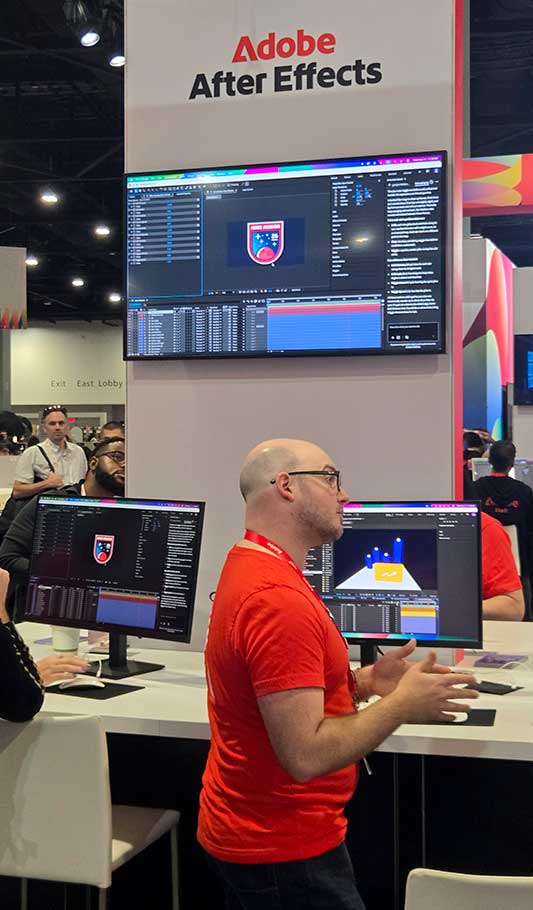
After Effects is a very deep and complicated program, and seems like a prime candidate for agentically AI-assisted workflows. Adobe has developed their own AI assistant integrated directly into the application, but is also adding MCP support, so that other agents can be used for more complex and fully integrated workflows. (Where After Effects is one application in a series being used to execute a fully orchestrated workflow at a large scale.). Adobe was demonstrating how the AI assistant could be used to write or debug expressions, which are an intrinsic part of advanced After Effects usage, and an area where AI has usually excelled. It can also help organize and label complex projects that have gotten messy, especially if they have been inherited from another artist who works with a different style.
Adobe Photoshop
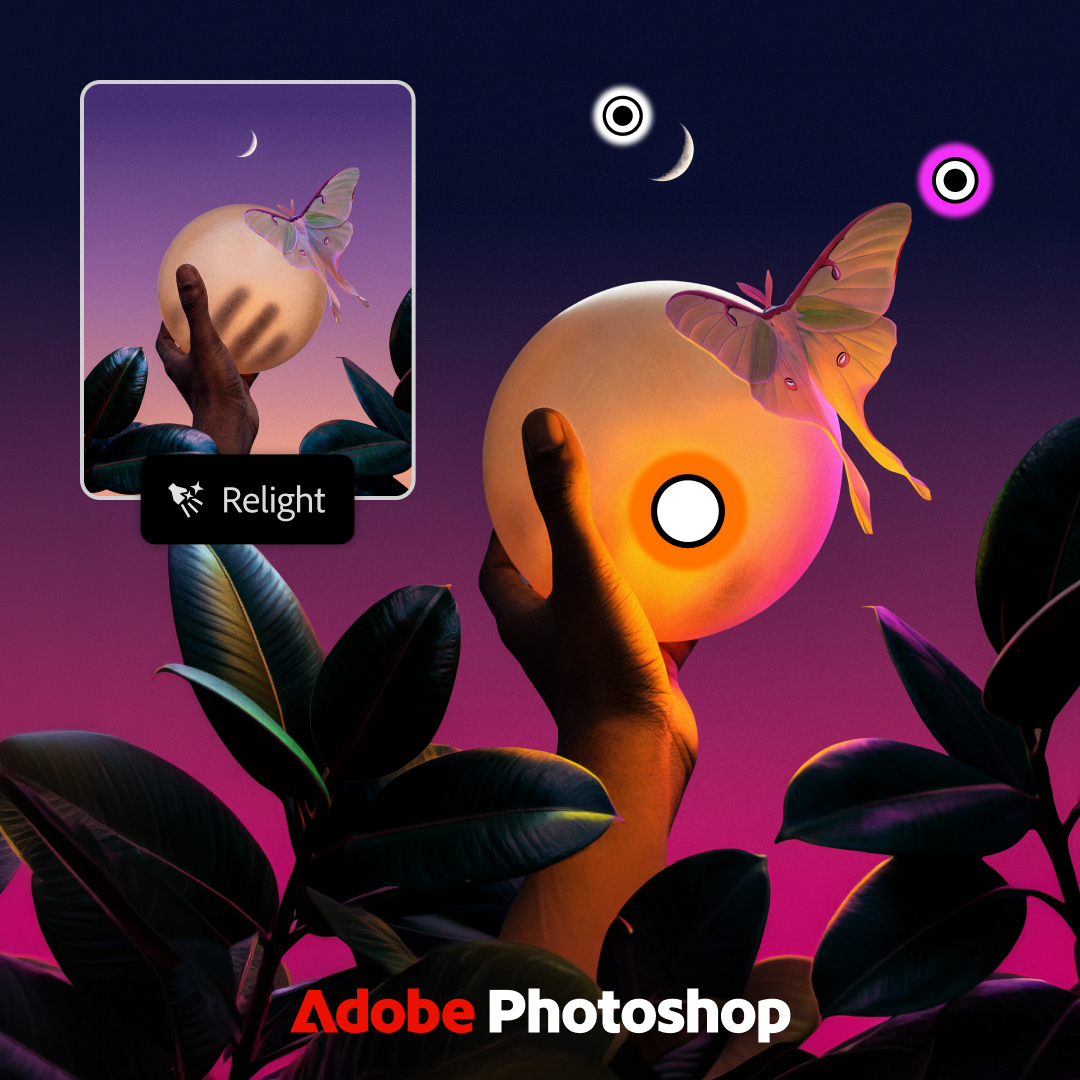 Photoshop has gotten a large number of feature updates this year, many of which were re-highlighted at MAX. I am not even sure which of these are brand new, because there are too many to properly track, but I have used some of them already. Rotate object definitely came out earlier this year, and Harmonize for compositing was in the 2026 release, but they may have further improved it. ReLight is an impressive new feature for relighting parts of a shot, and their demonstration pushed it to the limit, placing the new light inside an object in the shot. Generative restyle is a new way for altering a generative layer without starting over from the prompt, and because it generates a sequence of frames, I can envision future uses for that underlying algorithm in video. There is also an enhance edge command for more precise masks, which I am looking forward to trying out.
 Adobe Illustrator
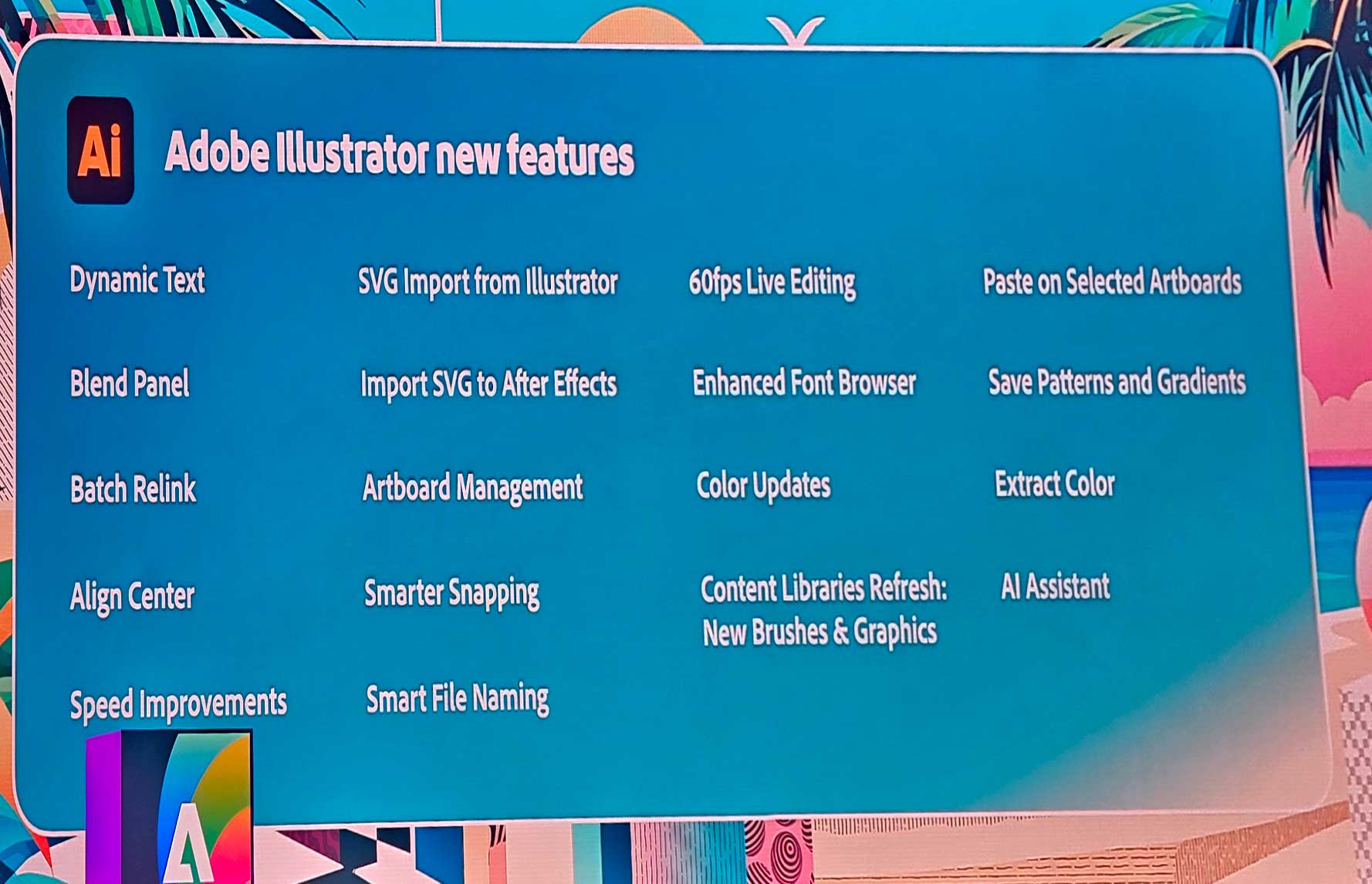
Illustrator is a program that I rarely utilize, but it is a key application for many Adobe users. The newest version is further multithreaded and GPU accelerated, to increase performance, especially with larger and more complex files. It has its own integrated AI assistant, which can work on tasks in the background, while you continue to use the UI to make your own manual edits. They rebuilt the ‘blend’ tool, which does far more than I would have guessed based on it’s name, but it uses to make sequences of shapes across visual space. There is also improved support for a vast array of Adobe Fonts, and new Dynamic Text options, which scale and stretch in far more intelligent ways now.
Adobe Firefly Firefly has been at the center of Adobe’s push towards generative AI, and there are a variety of new features and functions that have been added recently, beyond the addition of an agentic AI assistant text chat option. They claim their objectives with Firefly have been ease of use, speed, and quality. They added the newest SeedDance 2.5 and Kling 4.0 video models, more powerful models, adding support for more references and inputs, as well as generating longer videos, up to 30 seconds in length. Kling 3.0 has been available on FireFly for months, but more often than not, failed to deliver results at all, although when it did, I was impressed with what it created. Kling 4.0 is obviously the next generation of that technology, and my initial experiments with it have been favorable, no failures, and high quality output. Firefly also now has a framework for Elements, which are detailed concepts that can be called from a text based prompt. So for my Grounds Of Freedom series, I have created a location element from various images of my coffeeshop, and a character element of Fred, so that models can know what he looks like from any angle, not just what it can see from a shot’s first or last frame.
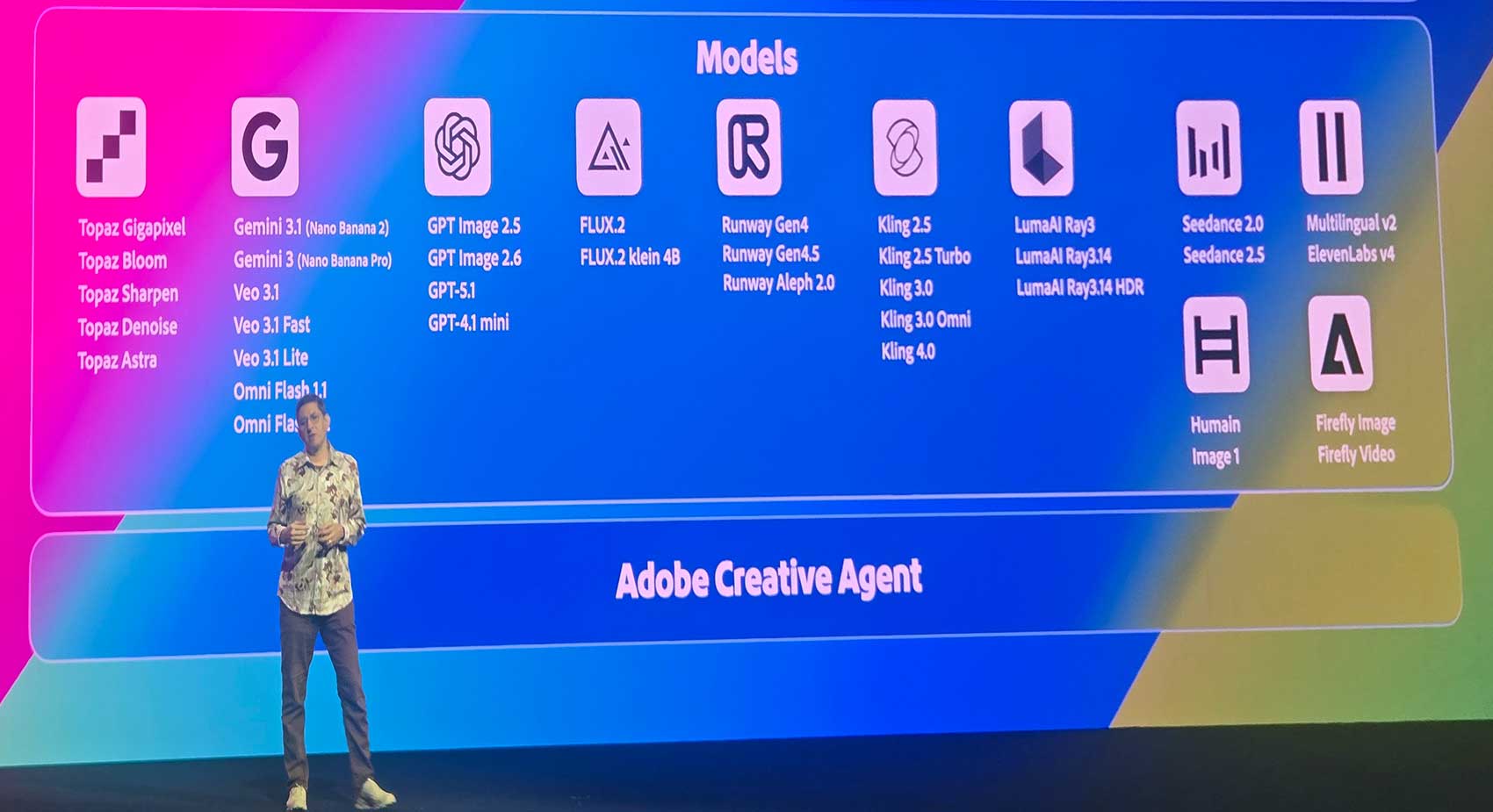 We now also have options in Firefly for generating video-to-video, so taking in video as a source reference, and getting a modified video out, based on that input. This can be used to remove an object from a video, or to shift the entire camera perspective of an existing shot. This capability has existed for a while, but the newer models are giving much better results than earlier options. Google Flash Omni now has a 1.2 update, and SeedDance and Kling 4.0 also accept video as a type of reference input.
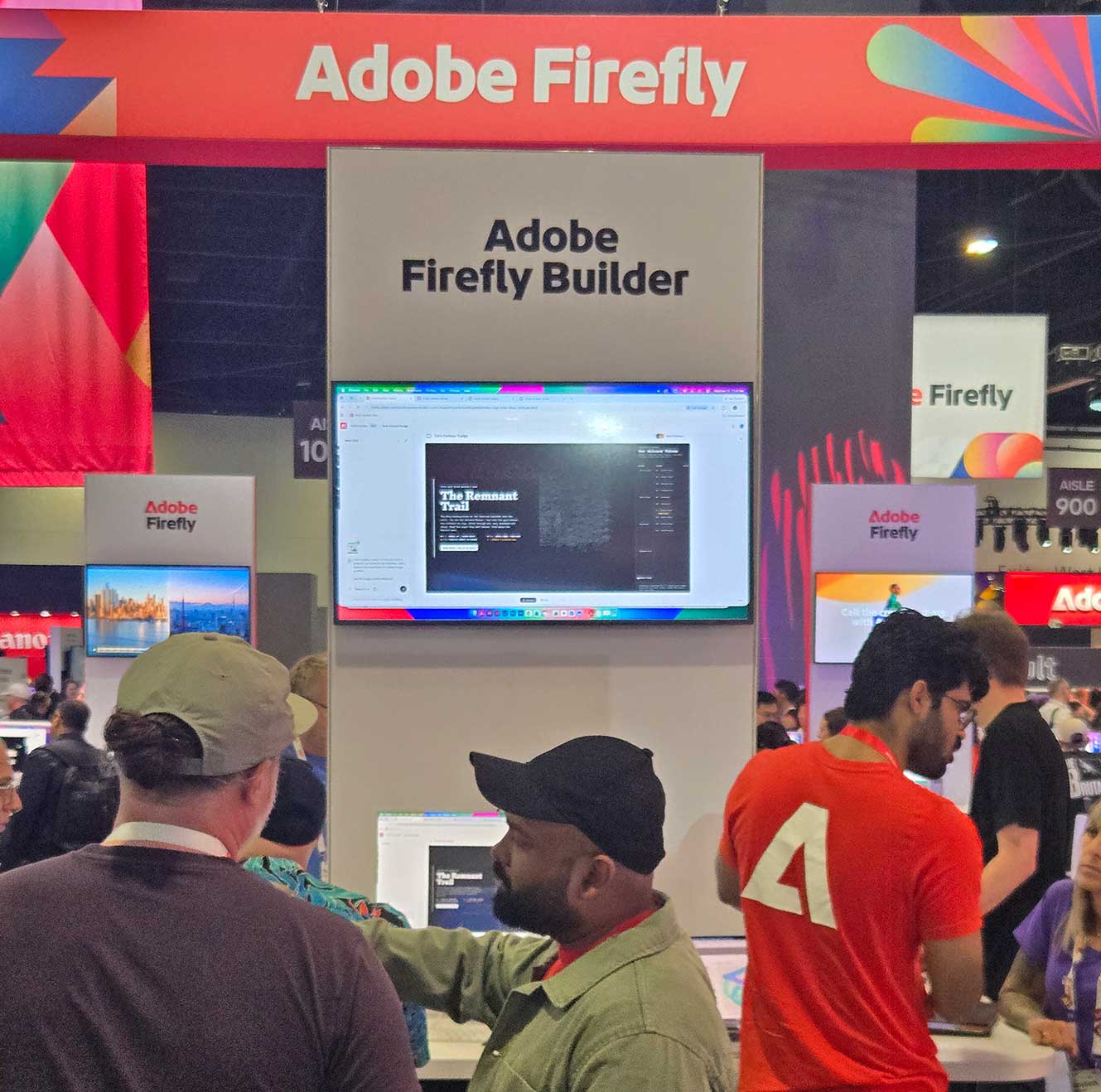 Firefly Design is a new feature that allows users to create both vector and raster images, as well as motion, in the same workspace, similar to Adobe Express. These projects and assets can then be moved to Firefly Builder, where the underlying code can be generated to make them into interactive websites or apps. Firefly Graphs allow larger scale users to setup repeatable workflows, so the same treatments can be applied to different assets over time. So if a user creates a bunch of iPhone 18 advertisements, when the time comes, it is easy to make new versions of all of those to feature the updated iPhone 19. And these new more complex treatment options will make it easier to implement agentic AI workflows, because a user will have already precisely defined how they want various assets treated.
Firefly Story is a smaller scale version of that workflow assistance, helping a user generate visual assets that match a document, and guide them through the process of potentially converting those images to videos, and stringing them together into a finished piece.
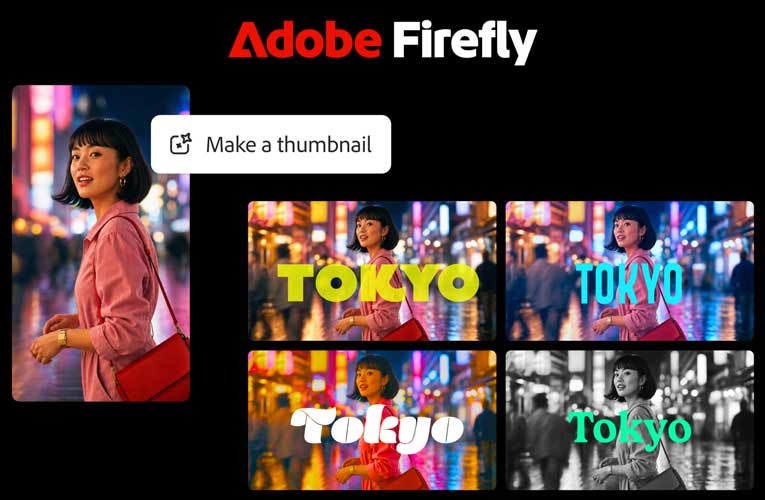 Firefly has also added more support for alpha channels, for compositing multiple elements together. And it has become more clear how the FireFly video editor is designed to be used, to combine multiple generated assets together for a short final video. It can add titles and captions, enhance audio, and even create thumbnails for the finished post. I am not one for ‘short-form’ content, but that is what that tool is designed for. And it does allow cool AI generated content to be created start to finish in FireFly, or for AI to be integrated into existing clips or pictures, before posting.
I personally prefer desktop based production to anything on my phone, but I believe the tools have developed to the point where some of my complete workflows could be executed entirely on my cell phone. I could take some pictures, bring them to life with FireFly, edit a few shots together in Premiere on mobile, and post the result to Youtube. I know that many other people have been doing that for quite a while, but most of my content is far too complex for that, and only recently have the tools reached that level of maturity. And that will also beg the question of what the status of Agentic AI is in mobile applications, and I may share a deep dive on that soon.
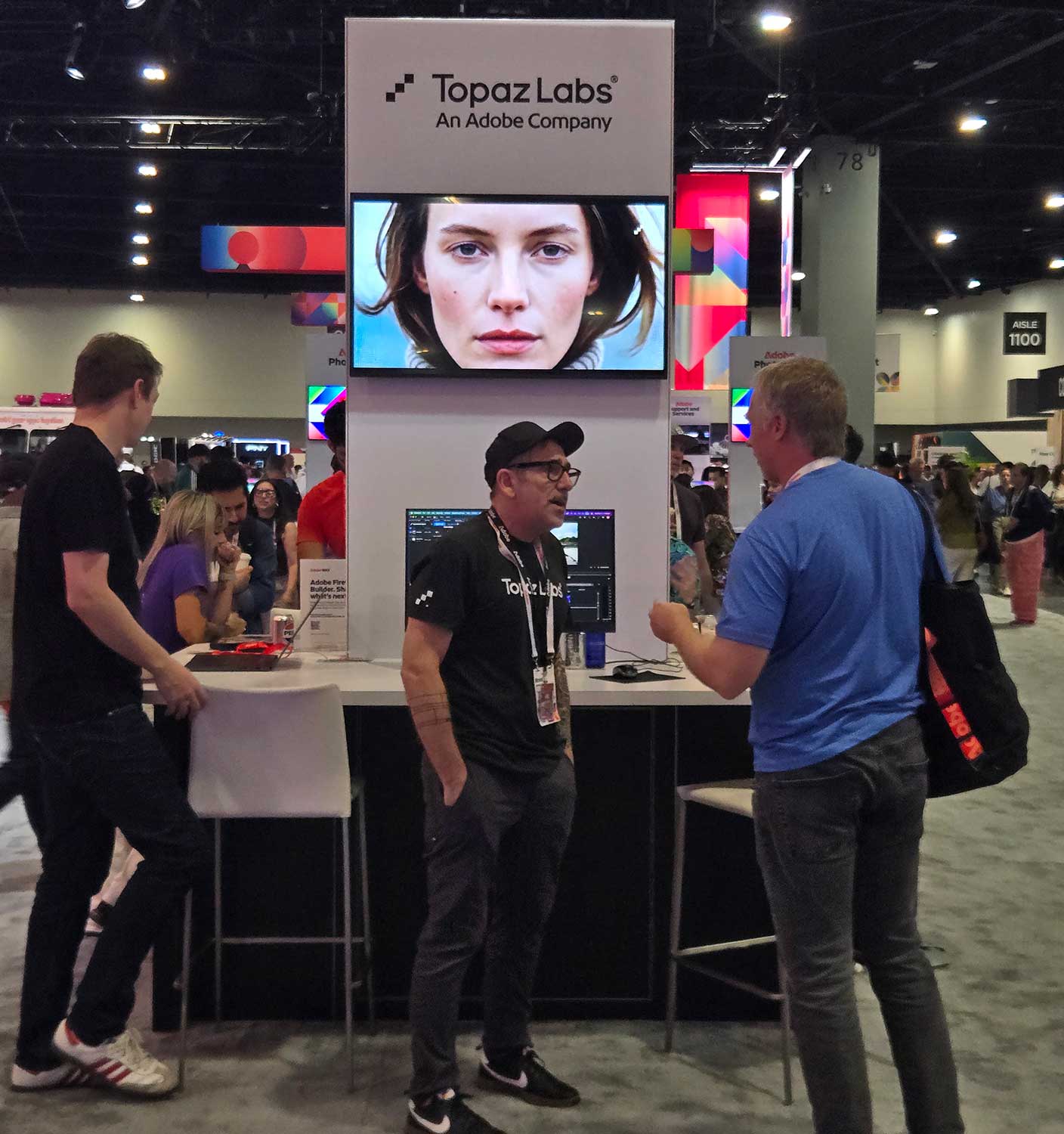 Topaz Labs has made top end image upscaling tools for many years, and the company was recently acquired by Adobe. They already had product integration, with Topaz video uprez in Adobe FireFly and Premiere, so that is unchanged, but nothing new regarding Topaz was announced at the show. As a user of both services, I am looking forward to tighter integration between them, and will probably do an article on Topaz’s video tools in the near future. I did a lot of work with their tools last spring, and haven’t written about any of that yet.