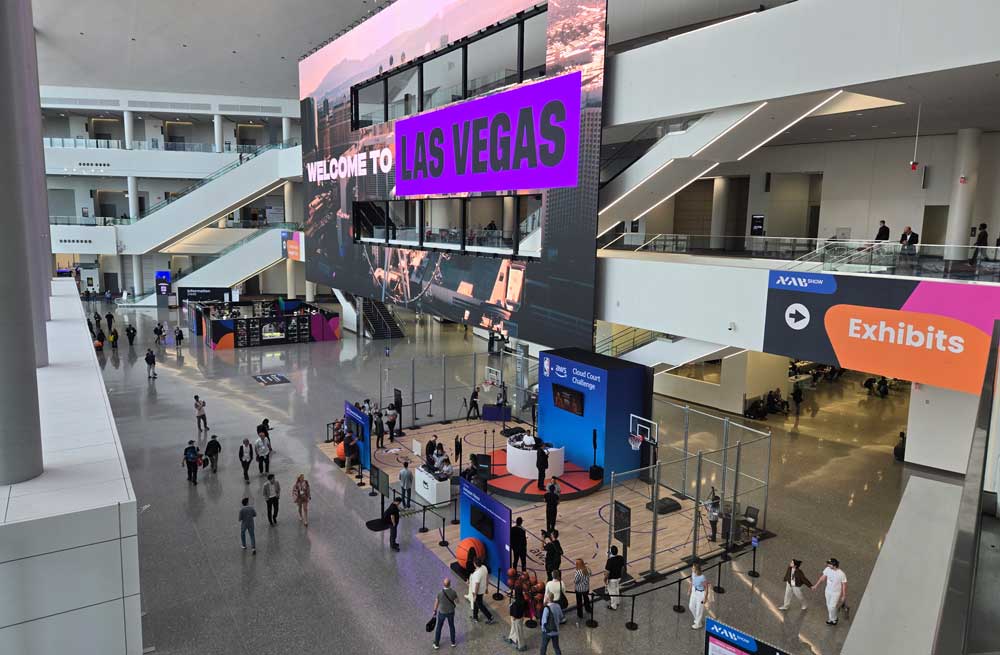
This year’s NAB Conference is being held in the North, Central, and West Halls of the Las Vegas Convention Center, from Sunday to Wednesday of this week. After spending a day perusing the show floor, these are the things that stood out to me, which people may want to go further explore on their own if they have the opportunity. Most of these booths can be found in North Hall, but the camera companies (Sony, Red, GoPro, Panasonic, etc.) are all in Central Hall. If you are not attending the show in person, much of the same info can be found online, but there is some value is seeing and feeling things in person, and talking face to face with the people who create and support the products you use.
Adobe
 Creative Cloud
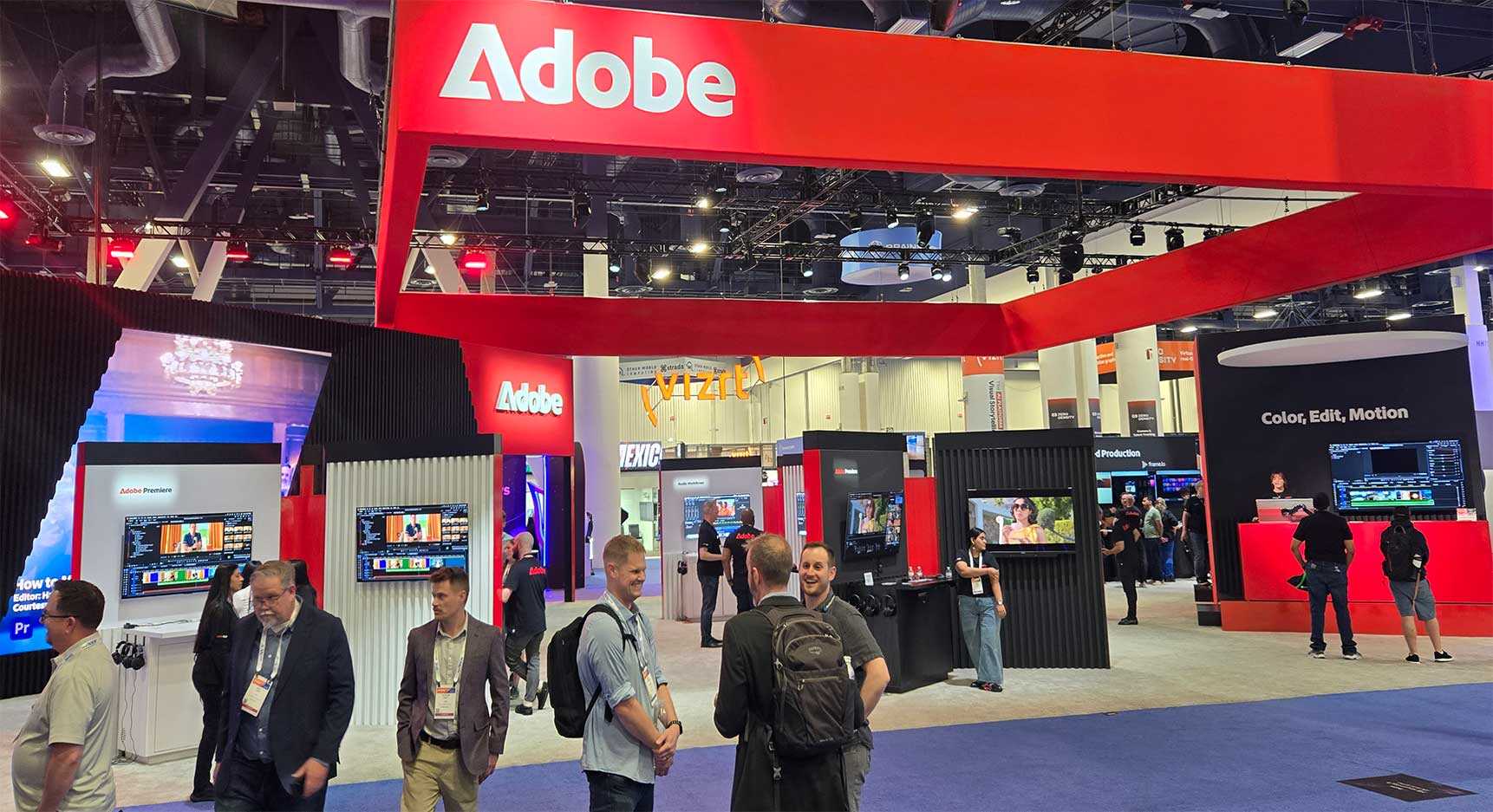
As a longtime Premiere editor, and general Adobe user, they are high on my list of places to check out every year. Adobe is showing off a number of new updates to their software at the show. They are definitely all in on generative AI, as a tool to enhance user creativity, but there are other improvements as well, throughout their video applications. Premiere has a new Color Mode in the public Beta version, with lots of powerful new features for coloring and stylizing your entire sequence, or groups of clips within it. 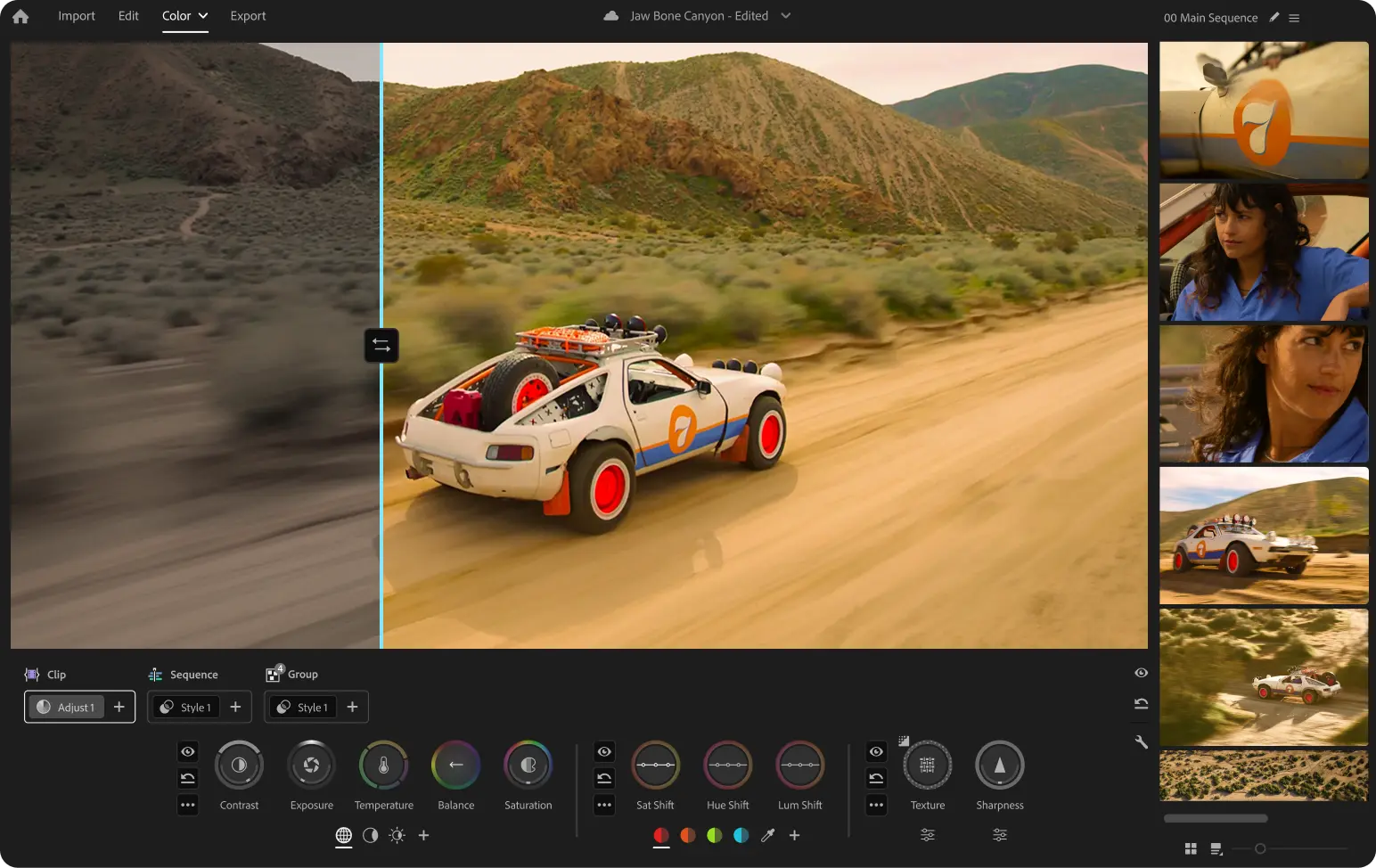 They have a new UI to control those changes, and various scopes that appear when making changes, to offer users feedback on exactly what they are doing. Apparently this new feature set was architected by color scientist Alexis Van Hurkman, and has been in the works for a couple of years. The release version 26.2 of Premiere is adding the Sequence Index function, better relinking of media, and a smoothing option for the object masking tools. Speaking of object masking, After Effects 26.2 is getting a new Object Matte toolset, which combines that AI assistance with existing functions like masking and RotoBrush, to offer users a rich selection of options for fine tuning complex mattes.
Firefly
Firefly has been getting all sorts of new updates recently, as only a browser based tool can. Boards now offer much more control over video generation, with various resolution and duration options in the UI. The Firefly Video Editor has all sorts of new functionality, including Quick Cut, for AI generated sequences of existing clips, text based editing, Enhanced Speech audio processing, generative SFX, and color controls. The other big update is the addition of KlingAI’s Kling 3.0 Omni engine to Firefly. While that is just one more model to many already included, I am excited about the new forms of user control that come with it. There is now UI for adding “elements” to a prompt, to make it easier to keep characters and other details consistent between shots. That model also offers a way to generate a full sequence of related shots at once, which I am looking forward to trying out.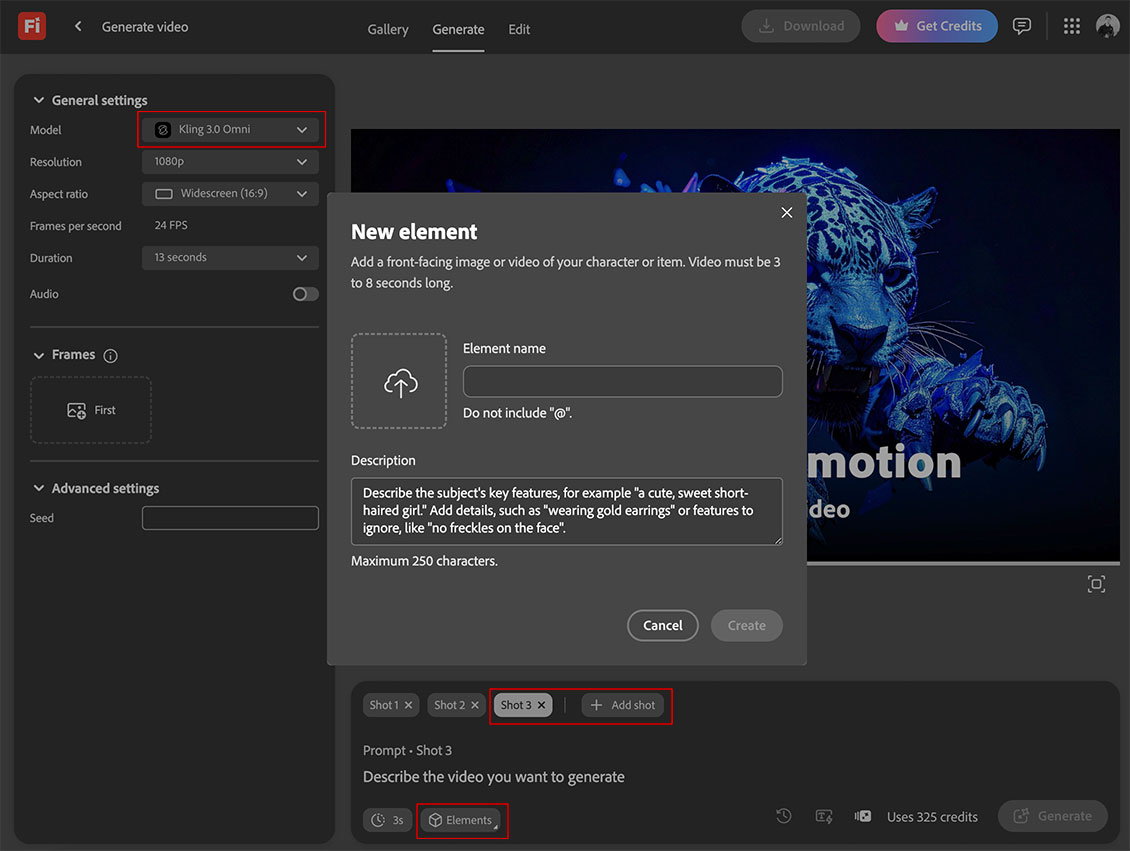
Frame.IO
Frame.IO now has a Drive function, allowing PC and Mac users to directly access their FrameIO assets on their local systems, as if it were on a network drive. This seems very similar to functionality that LucidLink was showing off at MAX, but it now is bidirectional, and hides the backend file structure that the Lucid tool had to navigate. It gives you access to all of your FrameIO assets, and allows creation of Share Links from the OS UI. It is coming to Enterprise users right now, but they made a point of saying it will be coming to all users soon, including free accounts. (Obviously with space limitations.) It will be interesting to see how it compares with other cloud based file sharing solutions in actual workflows.
BlackMagic Design
 Resolve
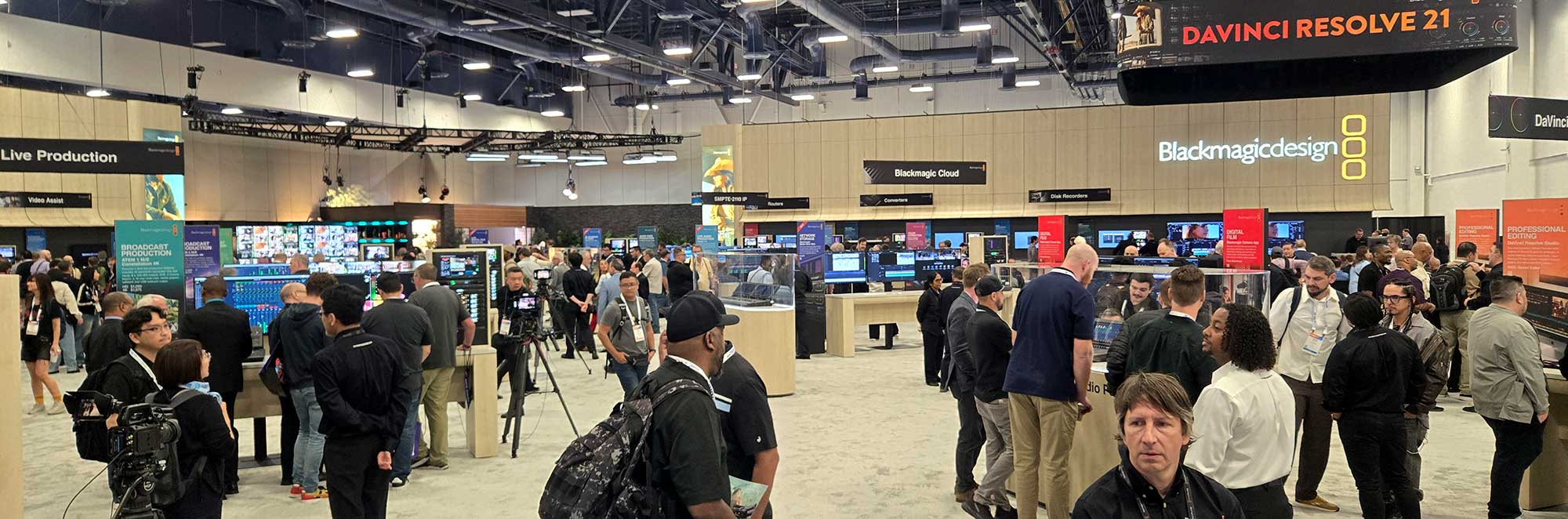
Blackmagic Design has released the newest version of Resolve, and they have not jumped on the bandwagon of syncing versions and years, so this Resolve 21 now. Unsurprisingly, it has a number of new AI based tools, from altering camera focus and motion blur, to character facial shape and age. There is a focus on image editing, instead of just video. New text tools, new Fusion Effects, and more support for editing immersive content, paired with their stereo 8K camera. I have not had the opportunity to work on any projects in that format, but would be curious to try it. I have only worked on content designed to simulate Apple Vision Pro experiences on standard screens, which is a different type of challenge. I do not find myself intuitively utilizing Resolve when I have tested with it, but I am well aware that it is a powerful and capable toolset, and offers a good value to its users.
IP Video Products
BlackMagic has a number of other new and updated products, many of which revolve around 100GbE infrastructure, for SMPTE 2110 IP video workflows. Their 12K URSA Camera and Stereo 8K Immersive camera both now offer 100GbE outputs. These can be connected via QSFTP infrastructure, to recorders, switchers, converters, and other devices, many of which Blackmagic now offers. 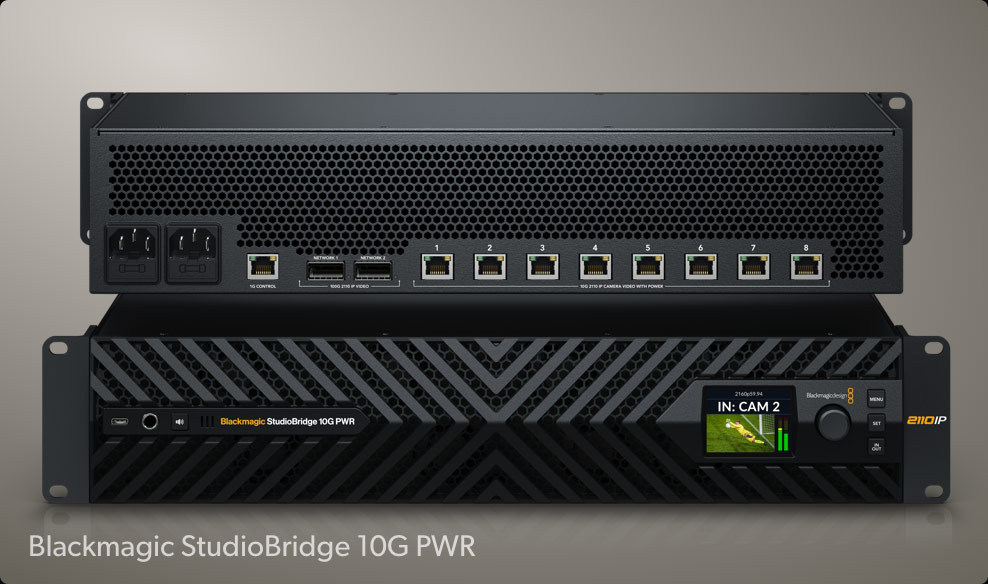 The StudioBridge devices aggregate 8x 10GbE camera links or 2x 100GbE camera links and accessories into a redundant 100GbE connection. There is also a new SDI Expander 8x12G for interfacing existing SDI devices to 2110 infrastructure. The UpDownCross 100G offers up to 8 channel of standards conversion, to alter resolution and frame rate of the signals.
 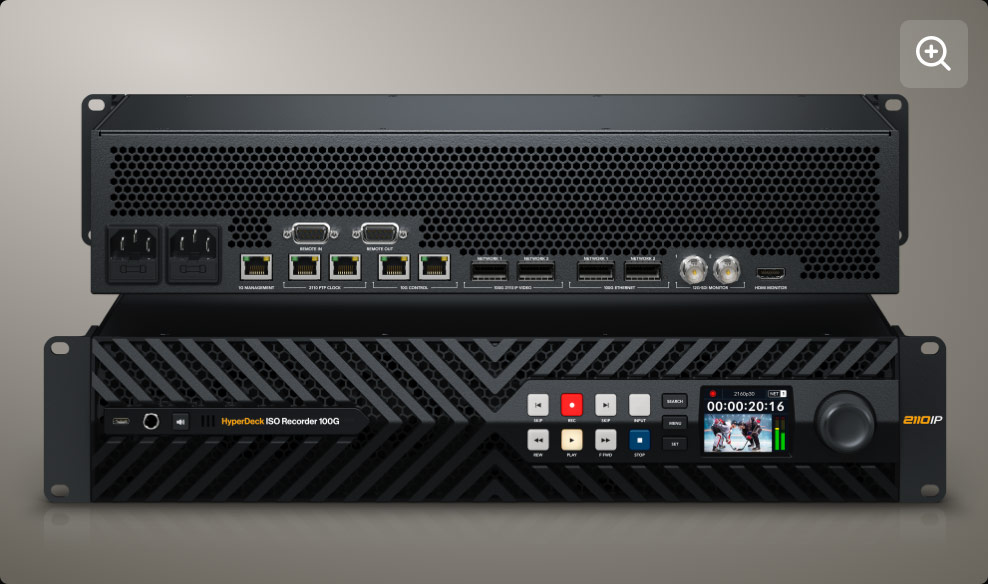 All of those potential sources of 100GbE 2110 feeds can be sent to ATEM Constellation IP switchers for processing, or to Hyperdeck ISO Recorder 100Gs, which can record 8 streams of UHD, (or presumably 2 streams of 8K if you treat them as quadrants). They record to network storage devices, also over separate 100GbE connections, of which Blackmagic released two options. The Cloud Store Ultra runs on 12 internal M.2 NVMe drives, while the Media Dock Ultra uses up to 3 URSA Cine Media Modules to record to or from over its dual 100GbE connections. These devices can all be linked with a new 8-port 100GbE 820 ethernet switch.
 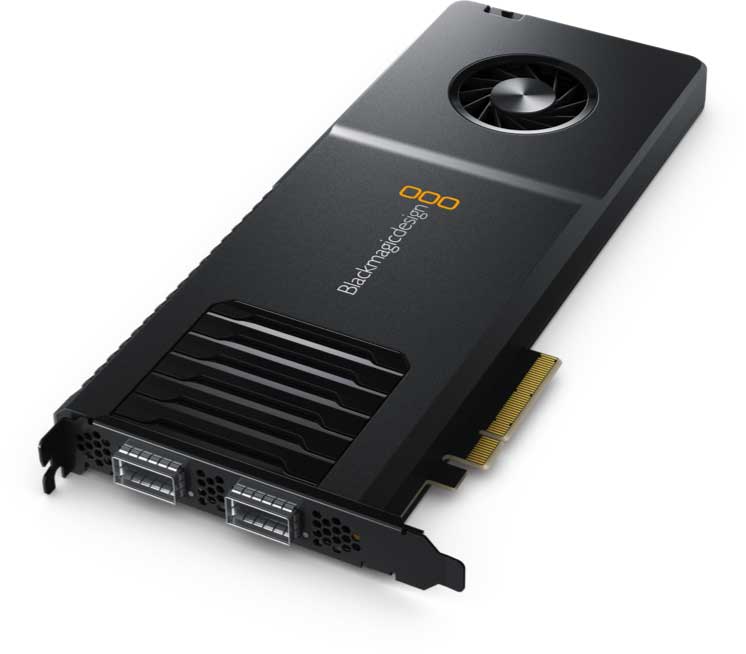 Also available is the Decklink IP 100G PCIe card for ingesting or outputting these feeds to a computer. The main benefit of these new devices appears to be in the routing of up to 8 channels of content over a single cable, but virtualizing that many feeds requires careful routing to ensure that all of the signals get to the right place, because the physical infrastructure no longer ensures that.
 HP
HP
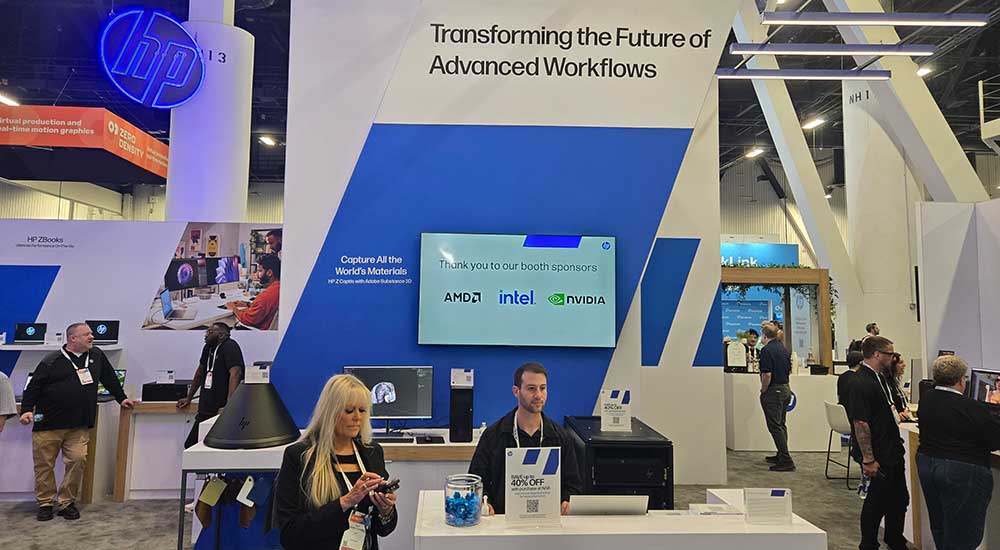
HP was showing off their new line of Z-Workstations. They have made some significant changes in this recent refresh, which will require some mental adjustment. The Z8 is a high end single socket Intel Xeon 600 system, similar to the previous Fury option. (There are no dual socket options). The Z6 is now AMD Threadripper Pro only, with no Intel variant. The Z4 is now closer to the old Z6, with Intel Xeon 600 CPU, and the Z2 is now a more viable option, with consumer CPU, but PCIe and M.2 slots for expansion. The new Z2 may be my go-to recommendation for video editors who want a professional system with support and warranty, but don’t want to put out the cash for a Xeon processor. Adobe Premiere users are usually well served by Intel’s consumer CPUs, due to high single thread performance, and Quicksync hardware video acceleration.
 GoPro
GoPro
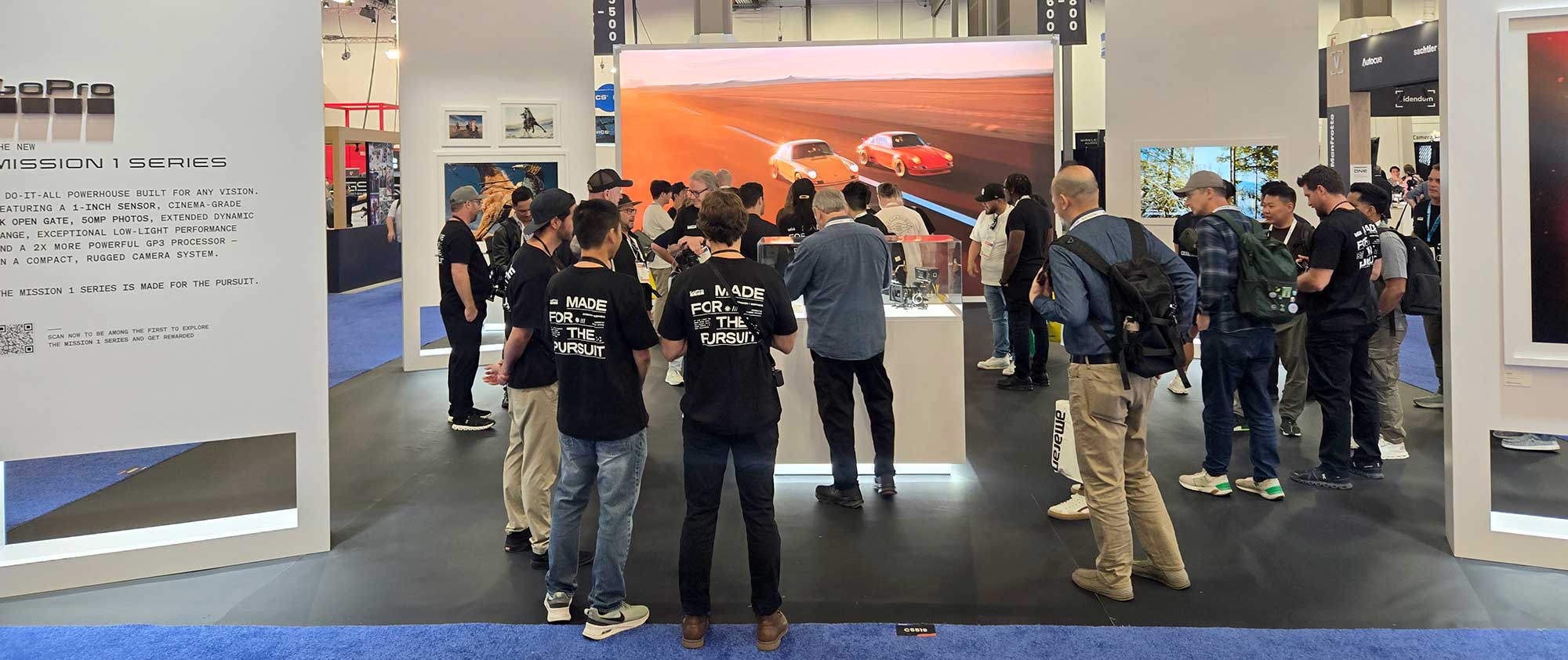
GoPro was showing off their new Mission 1 line of cameras. The new 1” 8K sensors, coupled with a new GP3 processor, and the option for interchangeable lenses, makes this a significant refresh, and I am looking forward to trying one out. The M43 lens mount can be adapted to many other options, offering all sorts of new possibilities, at the expense of size and water resistance, GoPro’s two traditional strengths.
 Strada
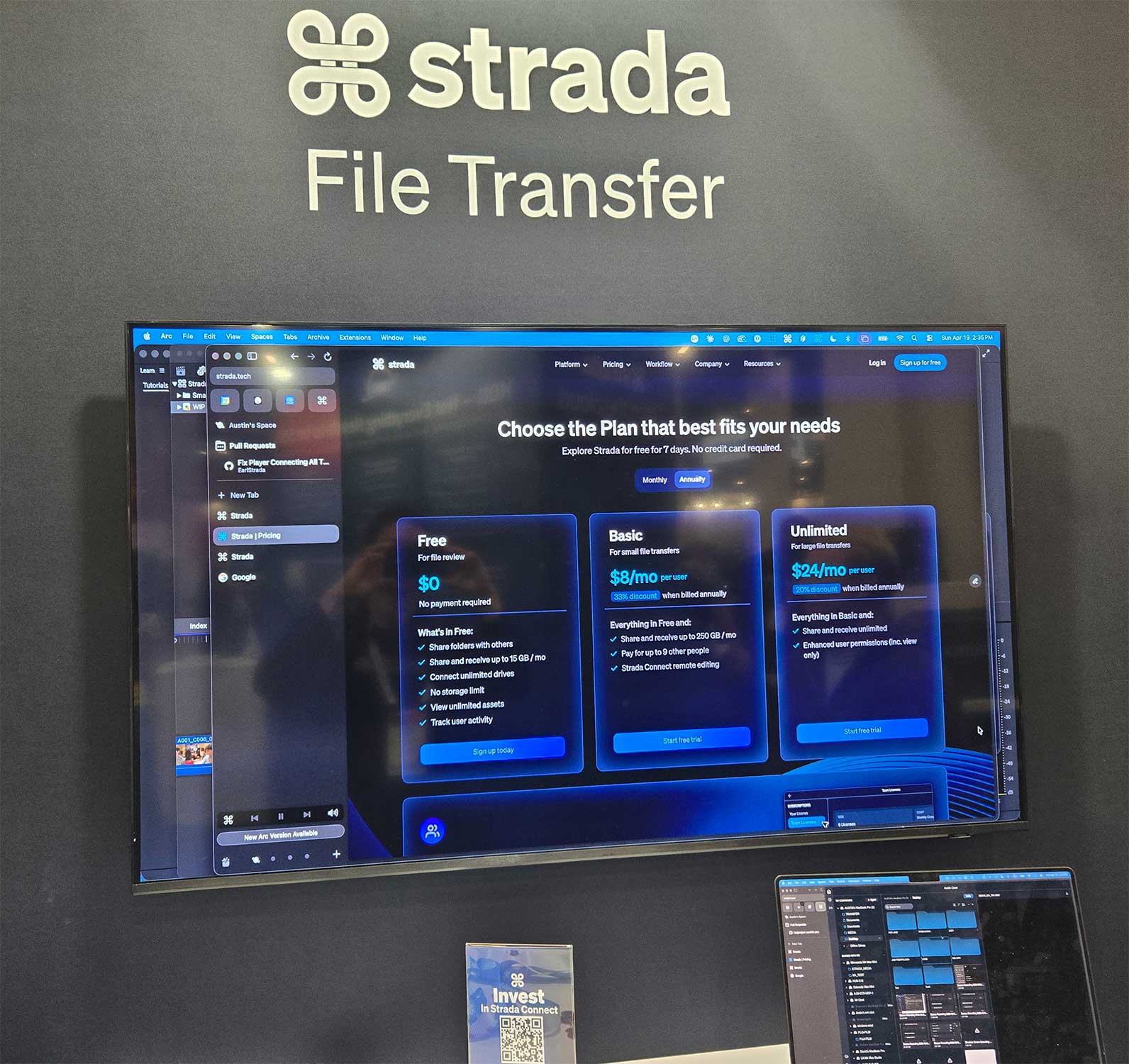
Being shown off at the OWC booth was the new file sharing software solution Strada. My initial understanding of the solution was that it was a ‘simplified VPN with really effective caching,’ but that was corrected in a second conversation that led me to the conclusion that it was the ‘Parsec’ of file sharing. It is GPU accelerated compression, optimized for available bandwidth, over pier-to-pier connections, orchestrated by a central security server, between various users and workstations, of media files. (Instead of the desktop UI and KVM control of Parsec.) There is a free version that I can see being very useful for me when traveling, to access files on my home workstation. So it is a potential tool to explore, for anyone who is involved in projects that take place on more than one computer. It is probably ideal for mid-sized teams, which already use local storage, but are not operating on the same site.
AutoGraph
Maxon recently added AutoGraph to their portfolio, which was admittedly not on my radar, but had been an existing motion graphics application. Apparently it disappeared a while back when its creators could no longer sustain it, and Maxon was able to arrange for its return to public usage, and is offering the basic version to individual users for free. It integrates with Maxon’s Red Giant plugins and many other plugins, which is where the cost can come in. But this seems like a win for previous and potentially future users, to have an application become available again, and in a widely accessible way. So check out Autograph if you are into motion graphics or compositing.
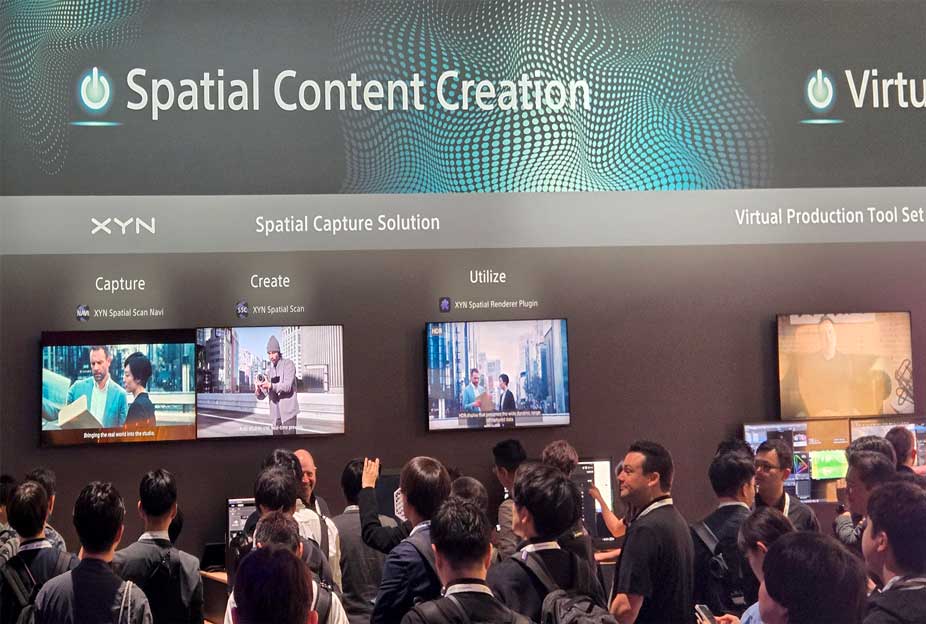 Sony Spatial Capture
Sony was showing off their XYN suite of products for creating spatial capture environments. I like some of the concepts of virtual production, but besides the challenge of the hardware for a virtual shooting space, creating the environments that get projected behind the actors always seemed like the most challenging part to me, unless your actors are intended to exist in a synthetic 3D world. Sony’s XYN products are designed to ease the process of creating those virtual spaces, using Sony DSLRs to capture existing spaces from many angles. It utilizes a mobile phone with XR capabilities to guide the photographer in positioning the camera and collecting the source images, and then organizes and process those images in the cloud to return a gaussian splat or mesh, which is used by Unreal Engine or Disguise to generate live backgrounds to project during virtual shooting. I don’t do much work in this space, but this does appear to be a thorough and well thought out solution.