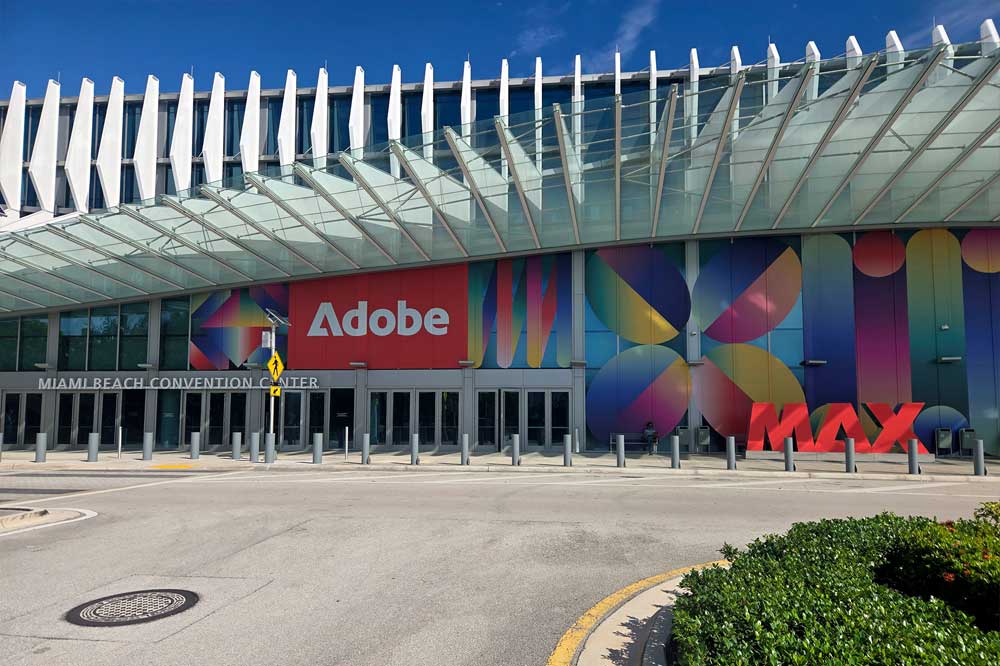
I just got back from spending a week in Miami Beach, attending the Adobe MAX conference there. This is my second time visiting Miami Beach to attend the conference, as it was held there in 2024 as well. The other five times I have attended, it has been held at the LA Convention Center. Miami is obviously easier for East Coast customers, as well as Central and South America, but it is much farther for me coming from California. It probably also contributes to a higher number of first time attenders at the event, which is probably a positive thing for Adobe.
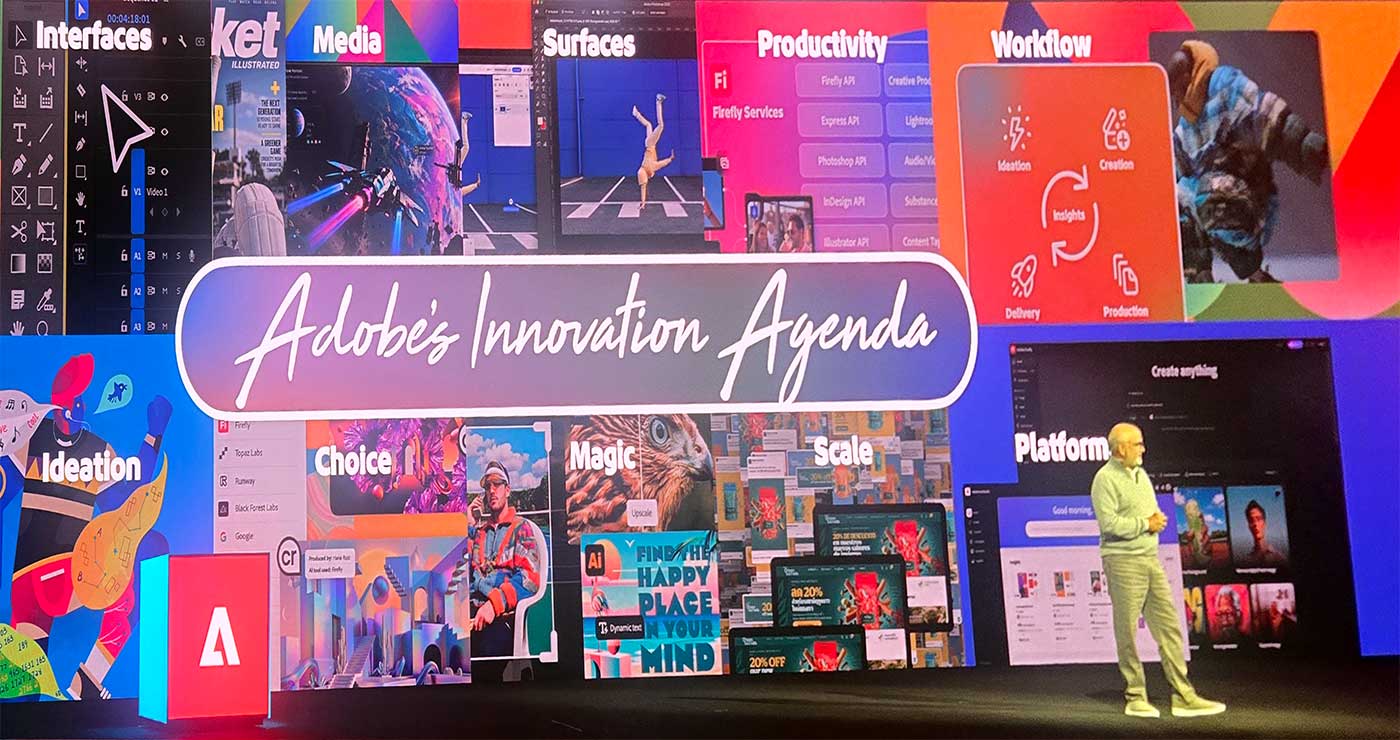 With my flights delayed, I arrived in Miami after midnight on Monday evening, so it was a scramble to get checked in and receive my event badge in time for the opening Keynote on Tuesday morning, but Adobe had a pretty efficient system set up for all of that. There were over ten thousand people at the conference, and most of them are in the room for the initial keynote presentation to kick off the event.
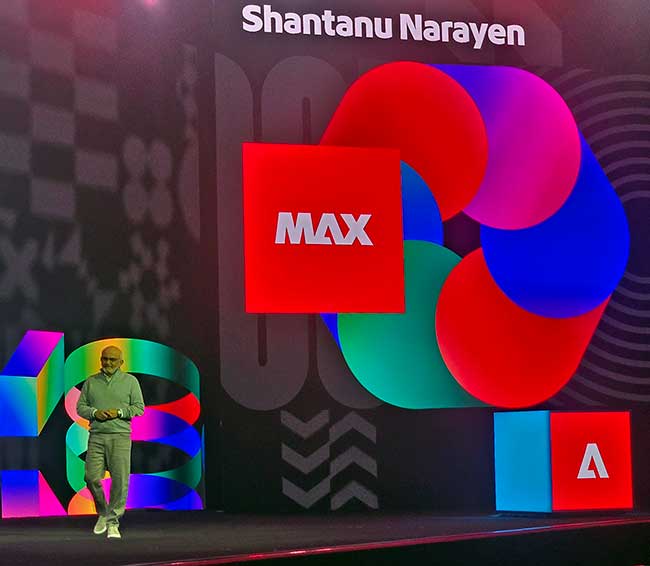 It started off with outgoing CEO Shantanu Narayen giving a talk, and then introducing the audience to his replacement, Anil Chakravarthy. This was a previously announced transition, similar to Tim Cook’s transition at Apple, which I witnessed at WWDC earlier this year. They also highlighted Adobe recently reaching 1 Billion users, which is over 10% of the planet. I assume this is not necessarily subscribers, but users of free services as well, like Express and other mobile apps, and PDF applications and other online services. This was followed by the usual parade of speakers, highlighting all of the newest developments in Adobe’s Creative Cloud applications, and now their Firefly platform. I detailed many of those new features and products in my earlier article, but agentic AI (or their AI Assistant) came up throughout that presentation. Using Adobe’s AI assistant is going to cost users’ Firefly credits, but once applications have MCP support, you will also be able to control them from other AI tools, including entirely local agentic models, for those who don’t embrace the pay-as-you-go model. The entire Keynote is available to watch here if you want the full experience instead of the summary. Following the Keynote, the Creative Park is open, where Adobe and its partners offer more hands on and interactive demonstrations of new technology, while smaller sessions and lectures are held throughout the convention center.
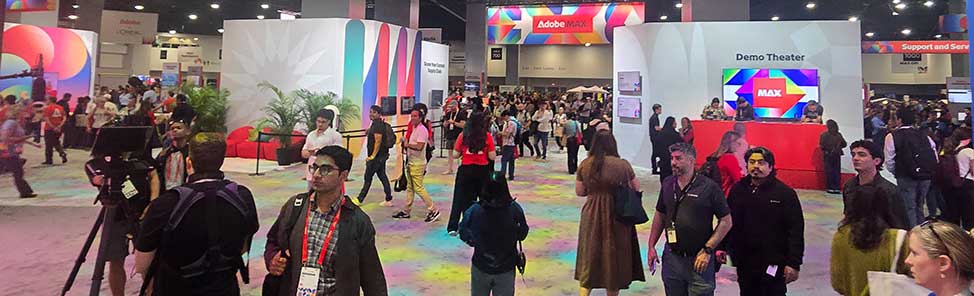 The first session I checked out was from AJ Bleyer, who I first discovered the last time MAX was held in Miami, and his presentation was about filmmaking, using a film he had created in Miami the night before. Most presentation content is prepared weeks or months in advance, but he was able to create a polished product with AI effects, using footage from the night before. So I was impressed enough to make sure I always fit his presentations into my schedule. He talked about how to use AI for pre-viz and location scouting, and showed how to use brush-for-prompt to edit to steer AI generation in Photoshop, which I had not seen. He advocated for using AI to demonstrate why something costs a certain price. (If you want it to look like this, that is what it costs.) He also uses AI to demonstrate an image in context, like on a billboard, or on a screen with someone watching it, to show clients the actual end result they are looking for.
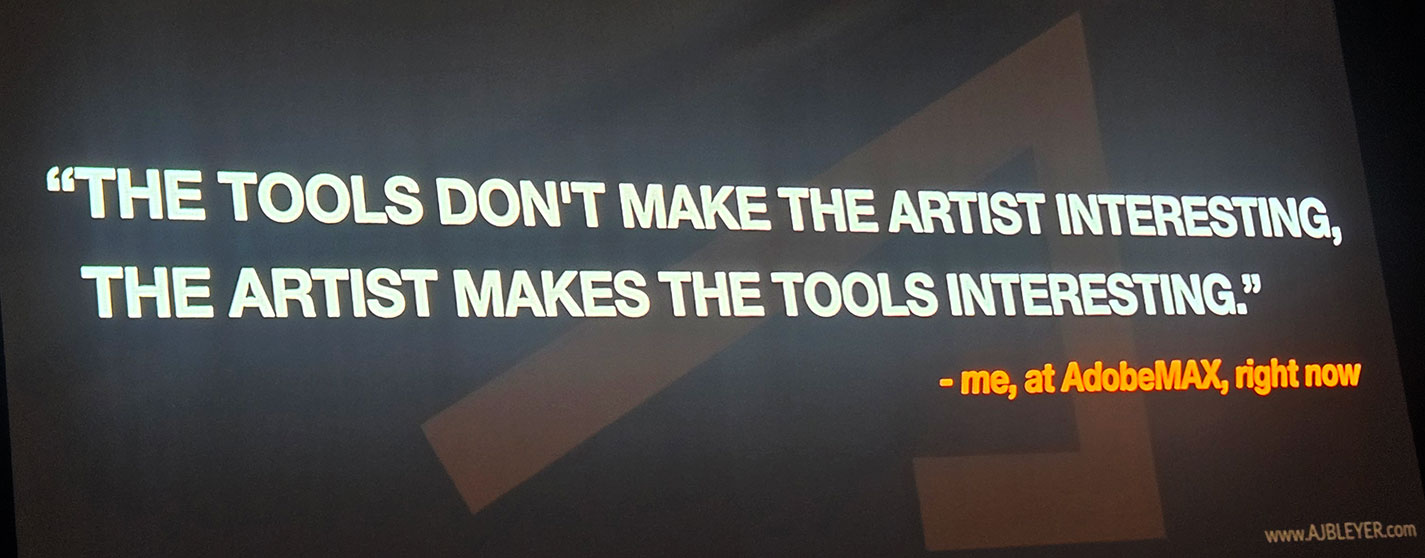
I also attended a session from Travis Keyes, which was photography focused, where he talked about doing things when you are rushed, and how to work within the limitations you find yourself constrained by. He was very focused on the connection between the artist and the subject, and the stories you both bring to the situation.
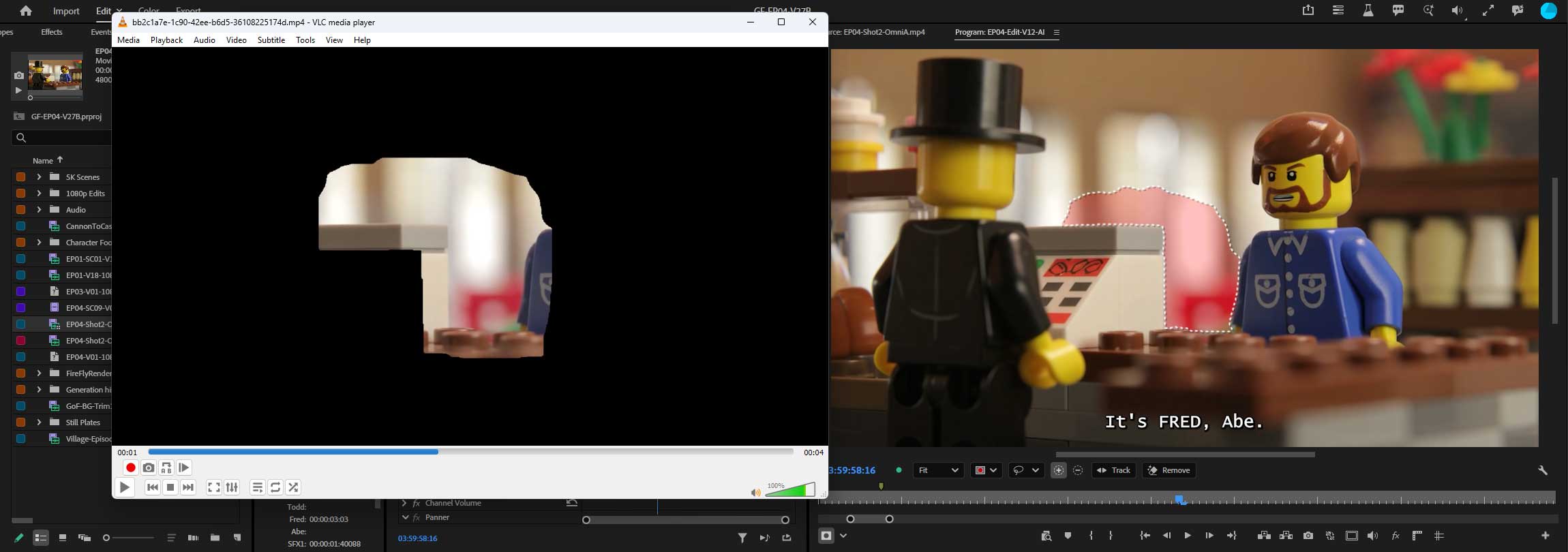 I was then given a demo of new generative tools by Adobe’s Anton Knoblach. Since I am already familiar with most of those options, we did a deep dive into the brand new Generative Remove tool. Under the hood, Adobe expands the user’s mask slightly, and then generates new pixels with a customized Firefly model, to cover the object in question. It then creates a new video asset with alpha matte, and composites that on top of the original clip, preserving the rest of the original pixels. That composite appears as a single clip in the timeline, but the video of just the patch can be found in the Premiere generated assets folder, proving that the rest of the pixels will be untouched.
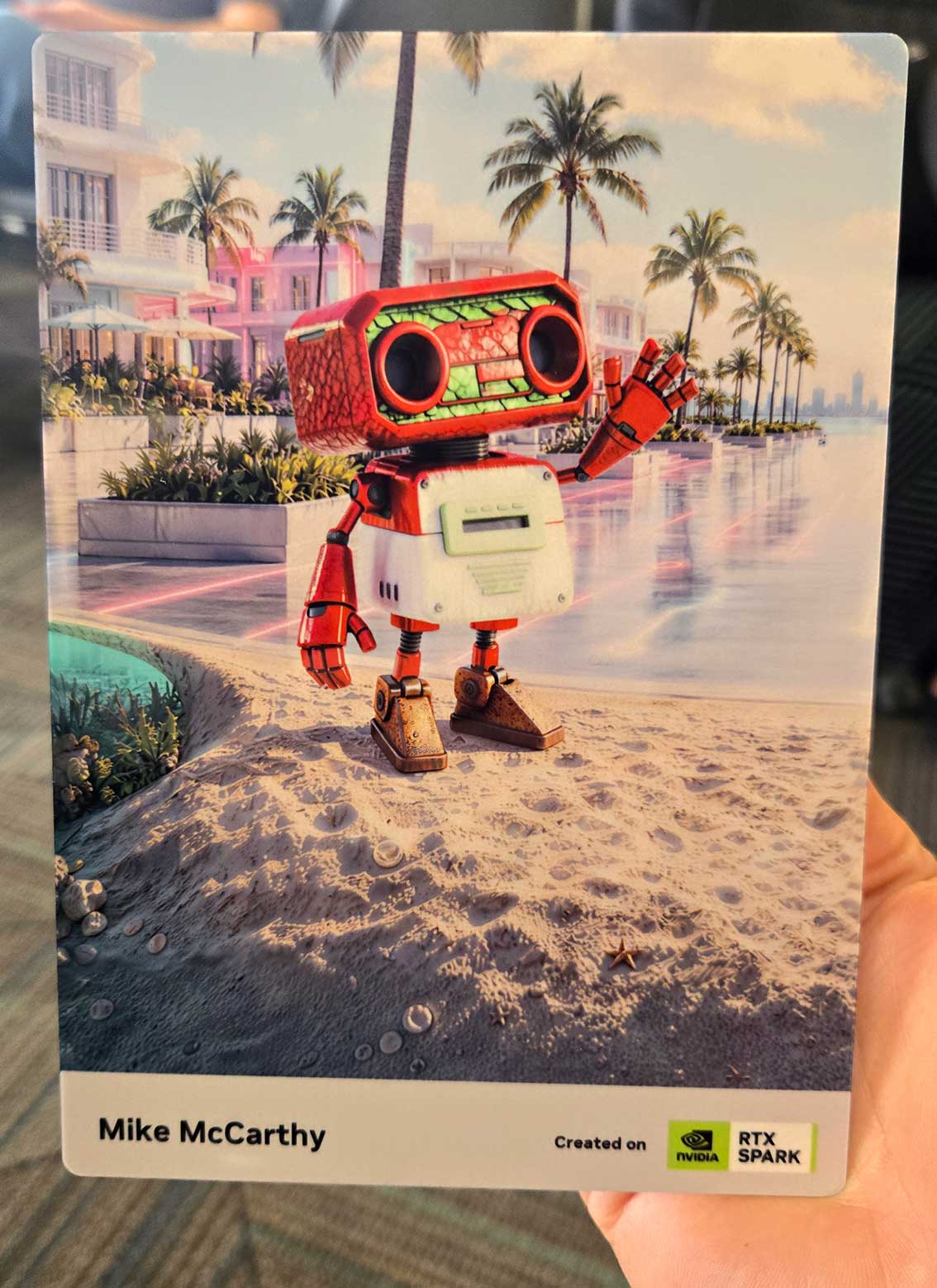 Between events I always explore the Creative Park, a hall full of booths from various Adobe teams, as well as their industry partners, like NVidia, Dell, HP, etc. I was able to design a custom character via AI in the NVidia booth, and they had it (and a crowd of others) walking around a digital billboard, and they also made a metal print of it for me to take home. This was to show off the local AI functionality of their recently released RTX Spark systems. There was a Disney Imagineering booth where they let people try out the customized Firefly based tools they use to design ride features. Logitech had an appliance sized model of the new ‘Creator Edition’ of their MX Master 4 mouse in their booth.
Adobe hosted an event that evening at the Fillmore theater, next to the convention center, where three new short films were shown, and then they hosted a discussion about them with the filmmakers who directed them. The first was shot on real film, which was a bit surprising to me. The second was more like a trailer for a full film rather rather than a free standing story, but that longer movie is now in production as a result of the short. And the third one was the most complete story, highlighting the futility of living for affirmation on social media, which was interesting, given the audience. The conference itself draws more influencers and social media gurus every year, which is a shift from the corporate designers and advertising creatives that I believe comprised the main audience a decade ago. I think the inward focus of that population is on full display at the conference, with all of the selfie sticks, and people recording themselves instead of what is around them. Many people’s primary goal of attending the conference appears to be to learn new ways to draw attention to themselves, and to grow their number of followers, which doesn’t seem like a particularly healthy focus. It definitely causes me to more closely evaluate how I want to raise my 10 year old son in this age of social media. It is important to be able to communicate in that medium, and to be a good story teller, but you have to be able to engage in that space without letting it define your identity. I witnessed the full spectrum of those possible results when looking around the show.
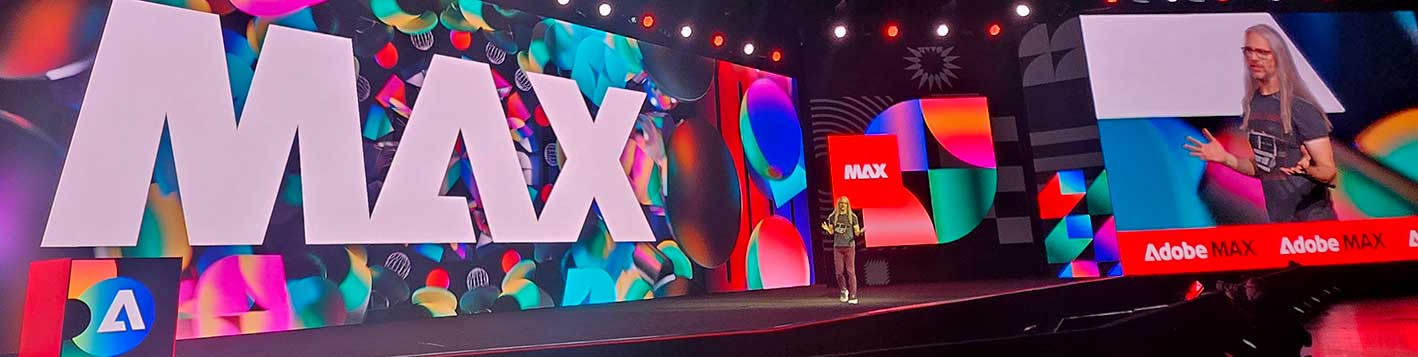 The second day of the show always starts off with the “Creativity Keynote” where no new products or technologies are featured, and it is just a series of presentations from, and conversations with, successful creative figures, from movie directors to designers. This year’s presentation was hosted by the one and only Jason Levine, and the first guest was Drex Lee, who is known for his epic one-shot short videos. They are all shot on his phone, with no support gear besides a selfie stick and his body, with his dexterity and skill replacing the traditional production crew required for complexly choreographed shots. Next up was Siobhan Maroney who shared the winding path of her career into creative design. Her key take-aways were to connect with other people, and always strive to deliver more than they expect. Jason then interviewed filmmaker Omar Kamara after showing a clip from his most recent short. Omar also talked about the importance of community, and the support that is drawn from the voices around you. The event concluded with a conversation between Adobe’s Stacy Martinet and fashion designer Jonathon Anderson. Fashion is pretty far removed from my world, so the closest connection I could make to that conversation was about how effort and perseverance pay off.
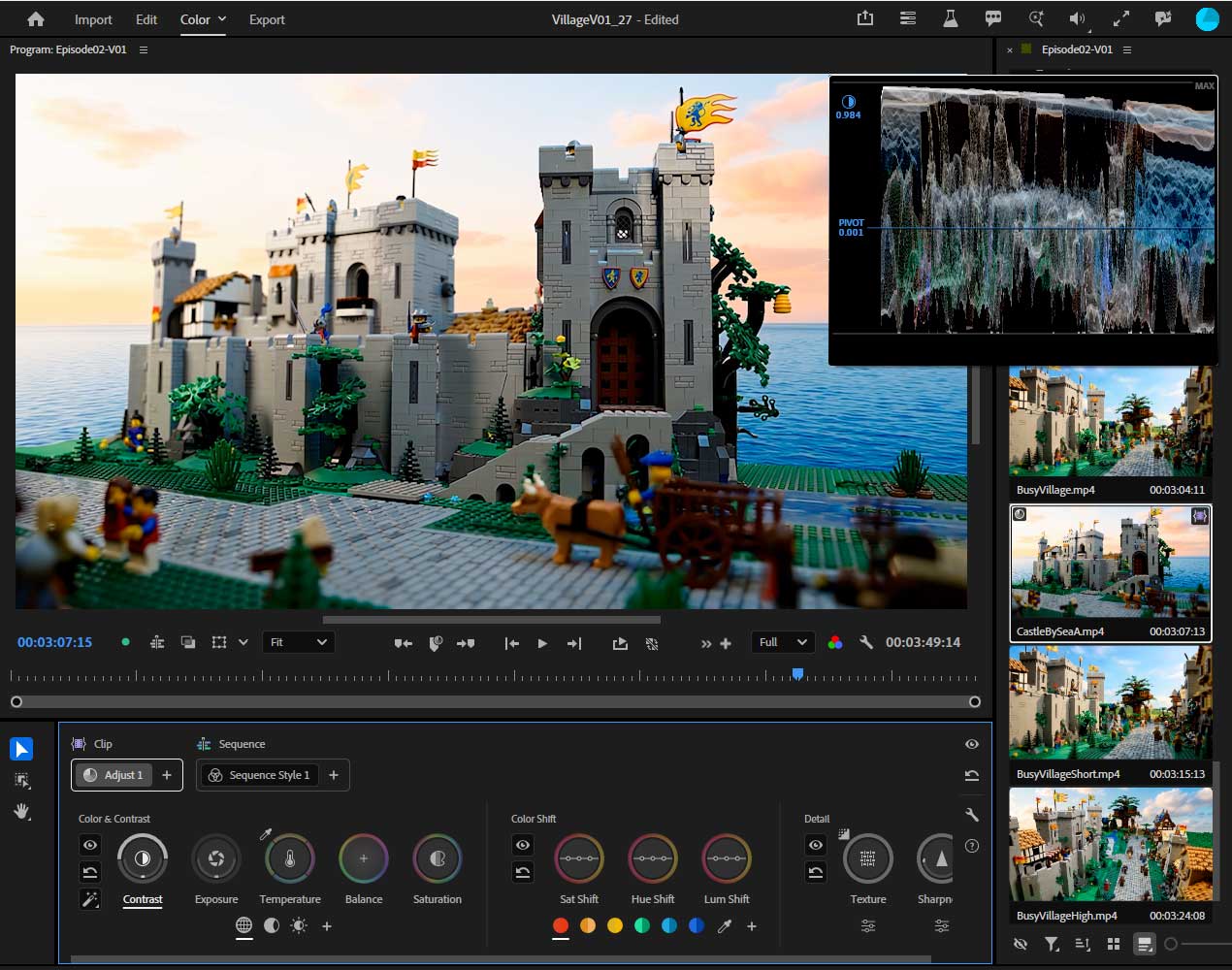 After that keynote event, I had a conversation with Adobe’s Jason Druss about Premiere’s new Color Mode and related tools. Color Mode is extremely powerful, both in how it can affect the visual media, and how those changes can be managed across a long series of clips. But there will be a learning curve to using the new tools effectively, and older workflows and paradigms will require adjustment. And not all of the tools that editors are going to be looking for are there yet, so I predict it will be a rough transition for many users, but the eventual result should be a vastly superior process, once users are able to fully embrace it. But they are going to need to re-introduce simpler options for people who need to make basic adjustments and aren’t ready to dive into the full toolset.
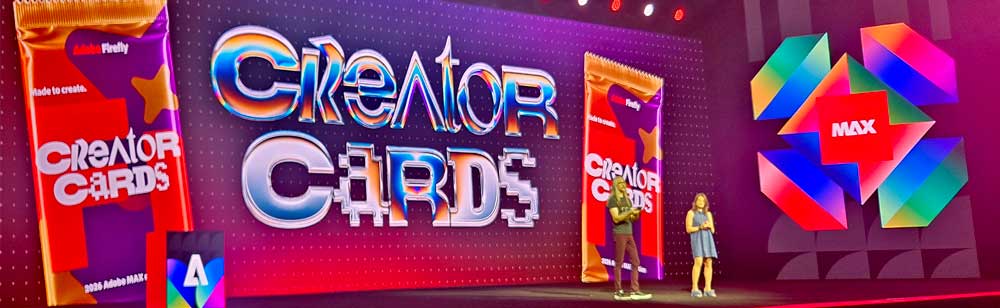
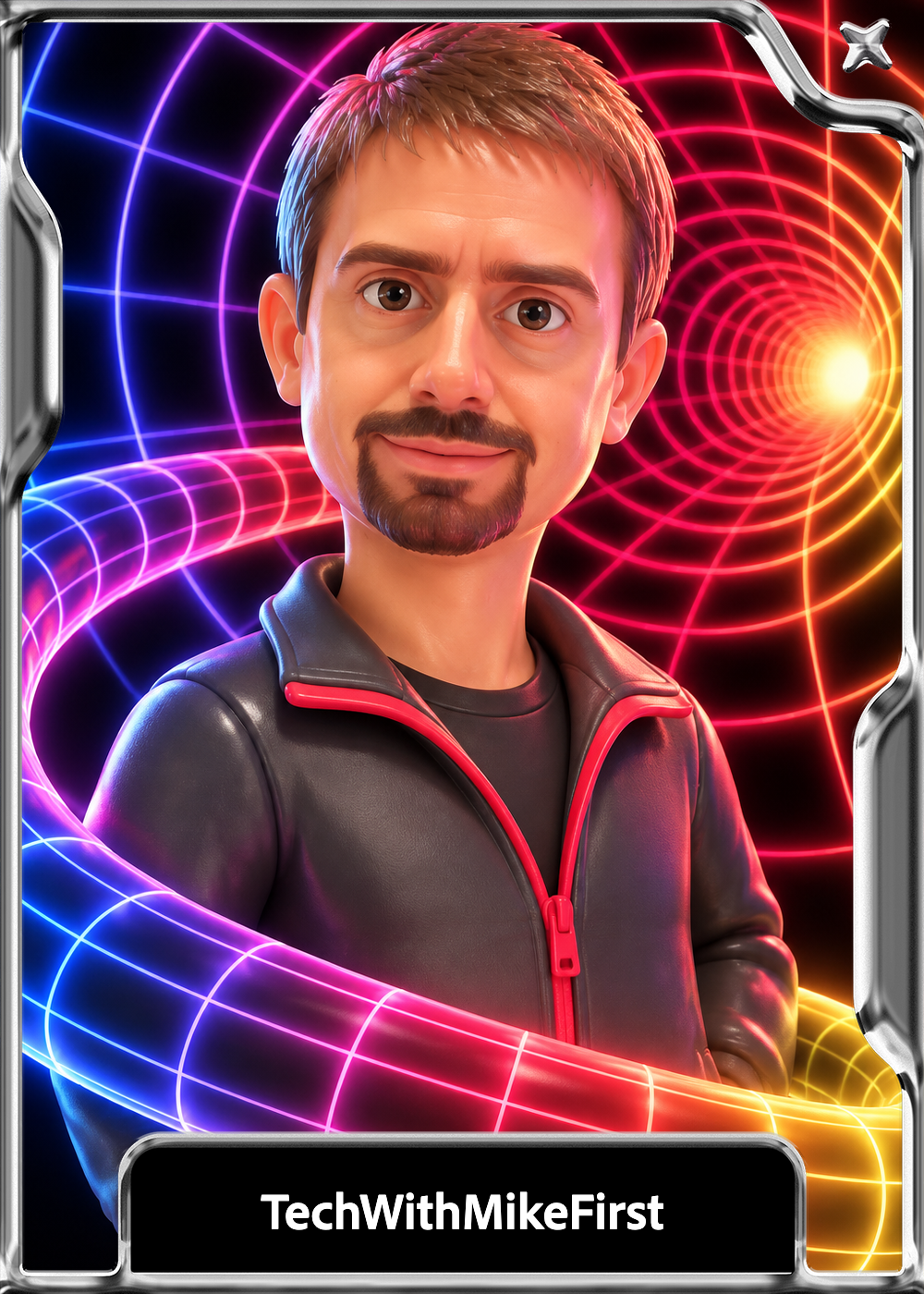 Adobe had setup their own collection of “Creator Cards” for their users, (like Baseball cards) with people making their own custom cards, and getting cards of Adobe featured artists. I am not sure how I feel about mine, I was a little too high in the frame of the original capture. And I am not sure how well these are going to catch on, but I have a framed One-of-one of that masterpiece there, or technically my son does now, and he is super excited about it. So there is that.
After that I was able to fit in a session about compositing in Premiere from John Knowles. It was a good presentation, and packed in a lot of good ideas about how to fully utilize Premiere’s capabilities. The new ideas I took away from the talk were using transitions on adjustment layers (for multiple simultaneous transitions, or more likely in my case, transitioning multiple composited layers), adding effects directly into the vector graphics stack (to apply to objects below but not above it in the stack), and the Logo Cutout effect, (for removing black or white backgrounds) which I had probably heard of, but forgotten about. All potentially useful tools when doing projects within Premiere, and it is the little things like this that allow people to use the software more effectively, and makes one an expert at a tool.
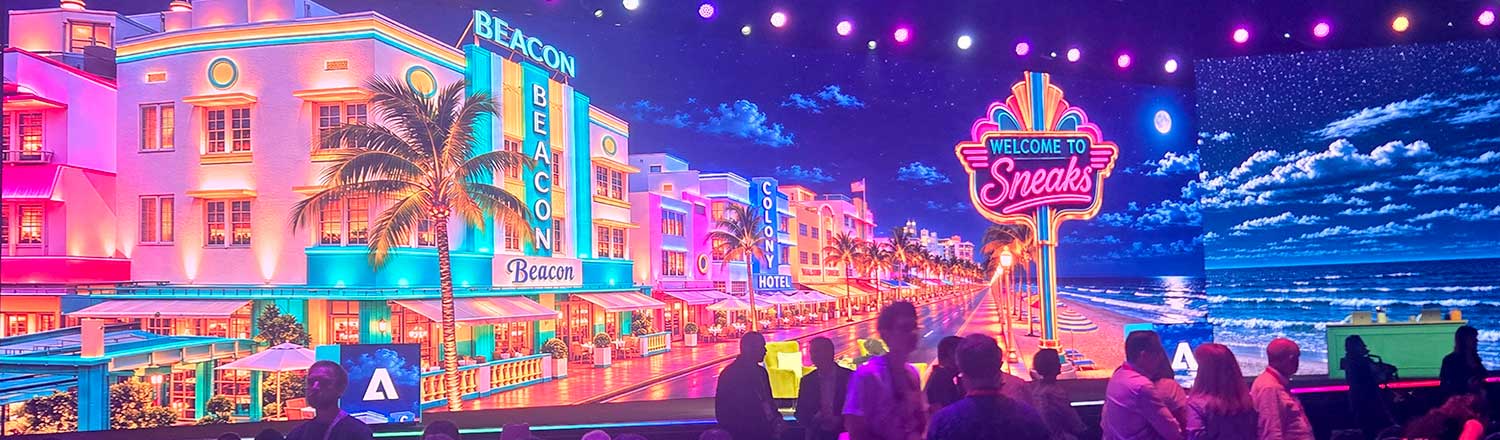 This was followed by MAX Sneaks where Adobe showed off the new technologies it is working on that aren’t ready to be included in its software yet. The event featured Terry Crews for comic relief, and a number of Adobe engineers sharing their recent work. Obviously AI played a big role here, but this was mostly generative AI instead of agentic AI. The developments in that regard are about giving users more control over the generative AI process, whether that was creating personalities for generated characters with Project Screen Test, or controlling the timing of events in a generated video, with Project OnCue.
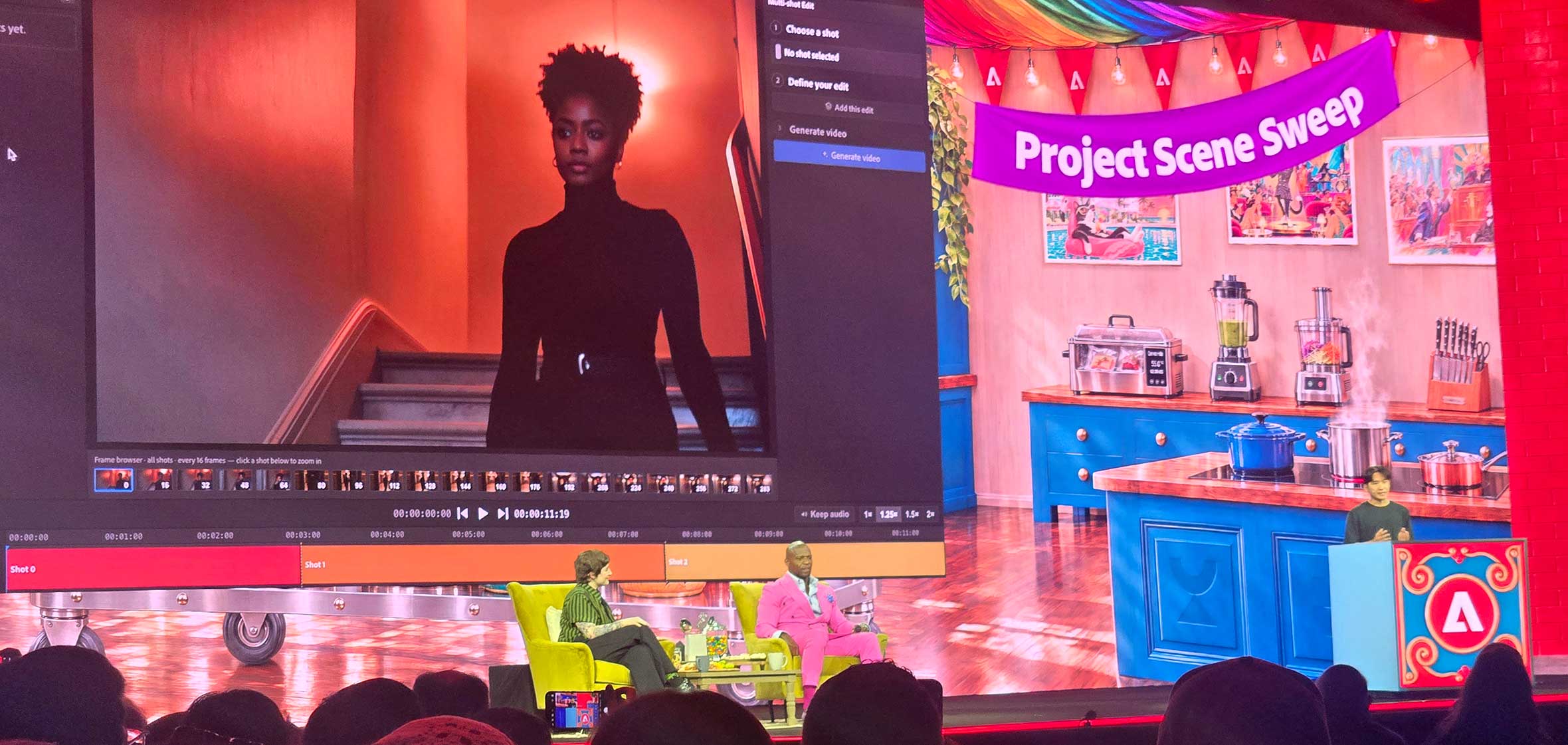 Project Scene Sweep was the most powerful, where they demonstrated changing a character’s hairstyle and outfit throughout a series of shots, while keeping the new look consistent. It is quite mind blowing, but it will probably take a while before the technology can be generalized enough for more people to use it, but it is interesting to see what is possible. The immediate application of that could be maintaining consistency and fixing mistakes in continuity. Was one character missing a piece of wardrobe in one take? This can change what they were wearing to match the other shots. Things like that are the first place I see this being used, not totally restyling an entire cast throughout a show. Like why would anyone need to do that? But turning the entire cast into aliens, that would be in interesting application. Surprisingly, the project that got the strongest reaction from the audience was a simpler one, Project Deep Brush.
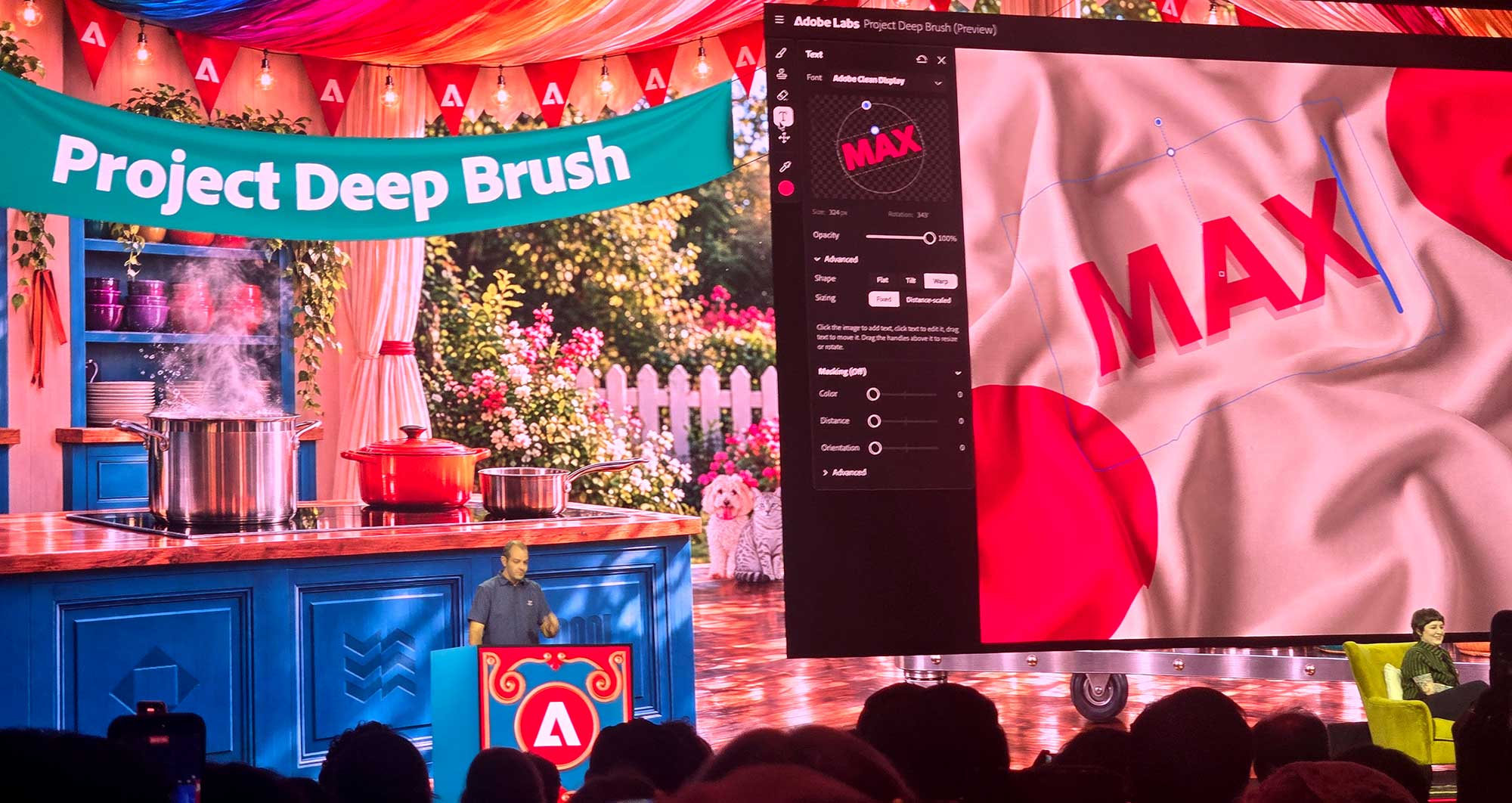 It allows you to paint on an image in context. The shape of the brush conforms to the shape and texture of the objects in the picture, and you can paint on surfaces without affecting the objects in the foreground of those surfaces. It probably got such a strong reception because people could imagine using it immediately without a learning curve. It will just be an intelligent enhancement of the brush tool in Photoshop, and that one is actually already available for users to try on Adobe Labs.
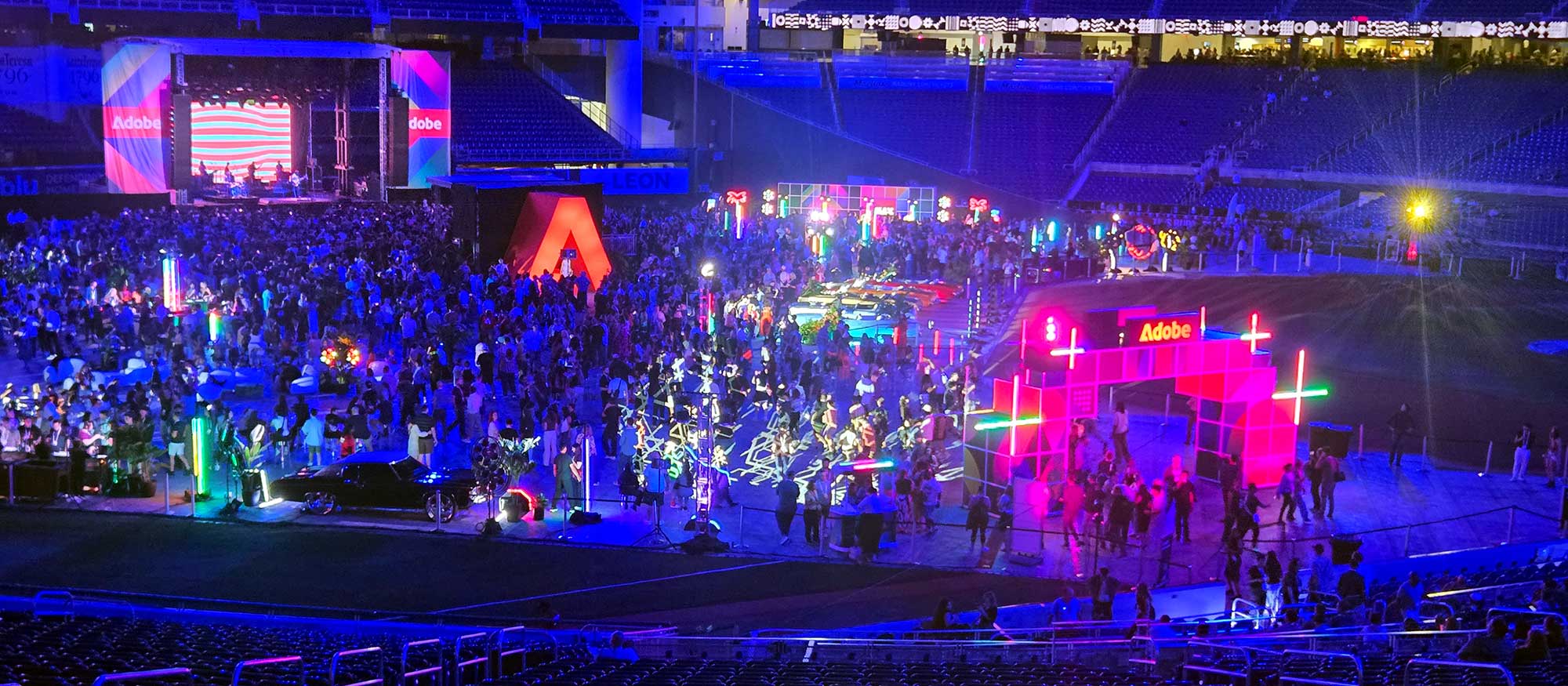 Wednesday was capped off by the MAX Bash, which was held in Miami’s LoanDepot Park, the stadium for the Marlins baseball team. A baseball stadium seems like a strange place for a party, and it was. The food was served in the shops on the upper concourse, and there was a dance party down on the field itself. It seemed like there were fewer things to explore and experience than in Bash parties in the past, both in terms of unique foods to try, and also creative endeavors to observe or take part in. There were a couple artists creating murals, some orbiting selfie stick stations, some local tricked out cars, but not the wide variety of creative and artistic displays I have seen before.
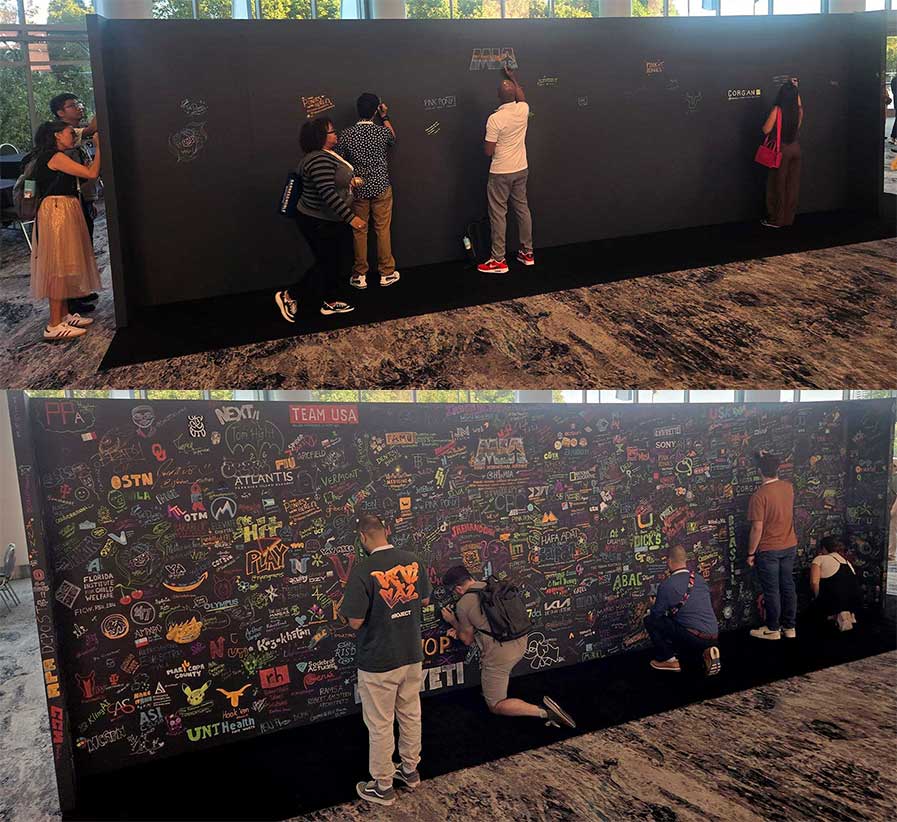
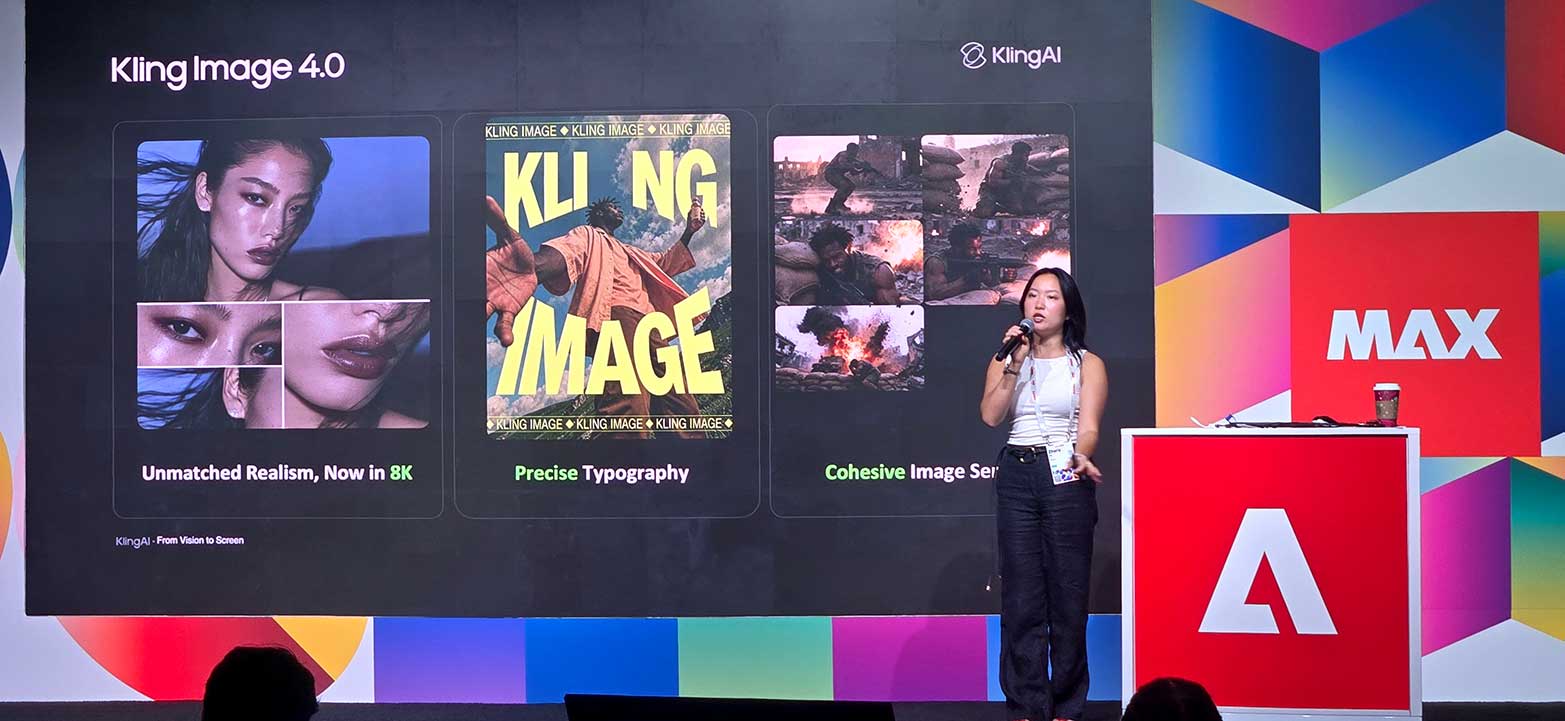 Thursday is usually quieter as attendees are recovering from Bash, or have already departed. It was a good time to visit booths that had been too crowded before, and talk with Adobe representatives about upcoming features. I attended a session about Kling’s generative AI models, where they talked about the recently released Kling 4.0 video model, and announced an upcoming Kling 4.0 Image model that can create pictures up to 8K in resolution. And then I was done, and on my way back home. On my way out, I snapped a picture of this community wall, that had been available to write on all week, as a bit of a communal creativity project:
When I went last year, the crowds felt much denser inside the venues. My personal visit involved far fewer sessions than you mentioned.