Adobe has finally released the 2026 versions of Premiere and After Effects. I say ‘finally’ tongue in cheek because we are only 3 weeks into 2026, but historically they have released the new versions the preceding October, as part of MAX. This year the release coincides with Adobe’s presence at the Sundance film festival in Park City Utah, where a vast majority of the entries were created using their Creative Cloud products. I have no problem with the shift in release date, but it is good to know when to expect it. The other welcome change is the dropping of the ‘PRO’ from the ‘Premiere Pro’ name. Now it will, once again, be known just as ‘Adobe Premiere,’ like it was until 2003. I for one can appreciate the simplicity, and the lack of pretension. There are a number of new features in both Premiere and After Effects that are worth mentioning.
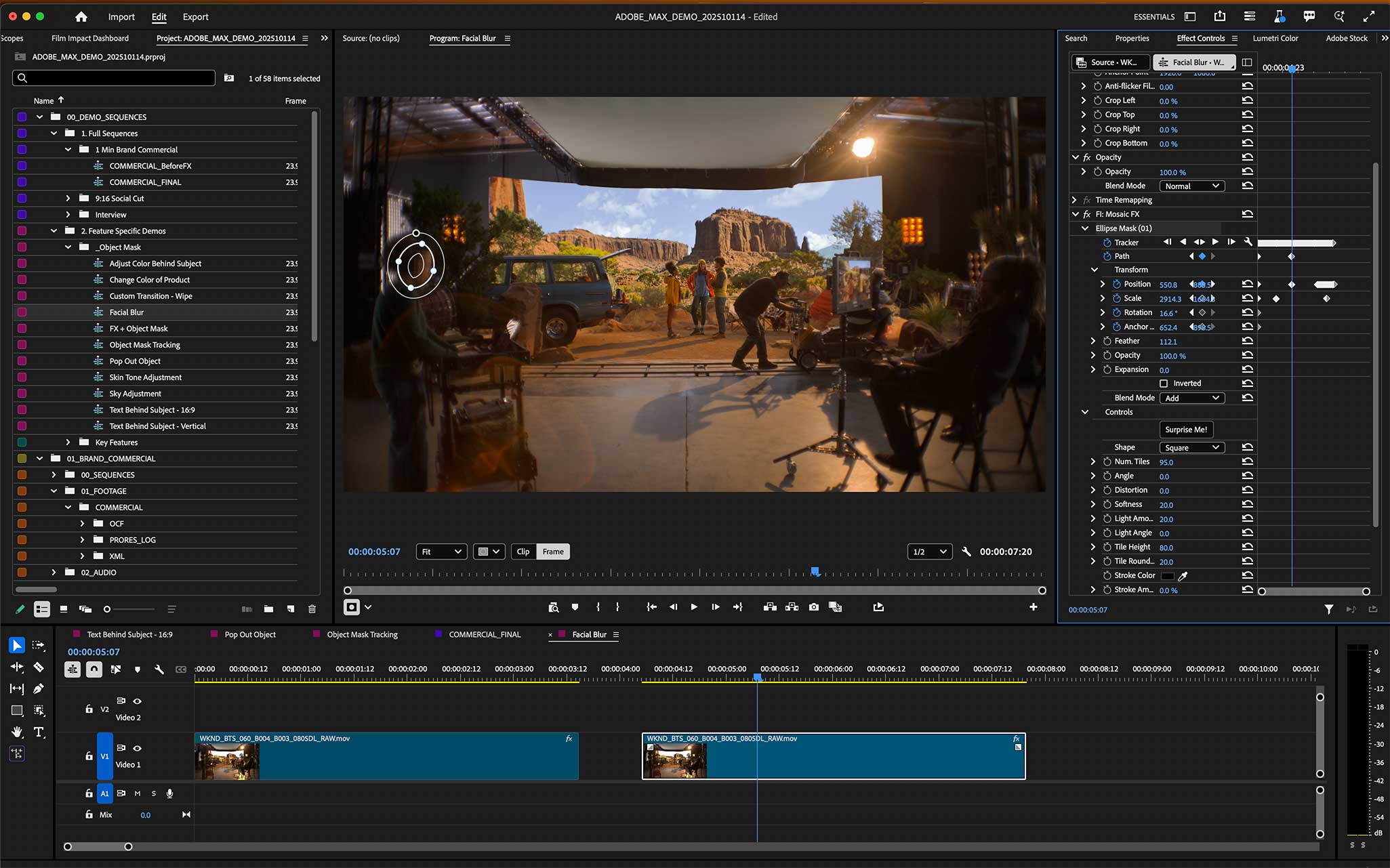
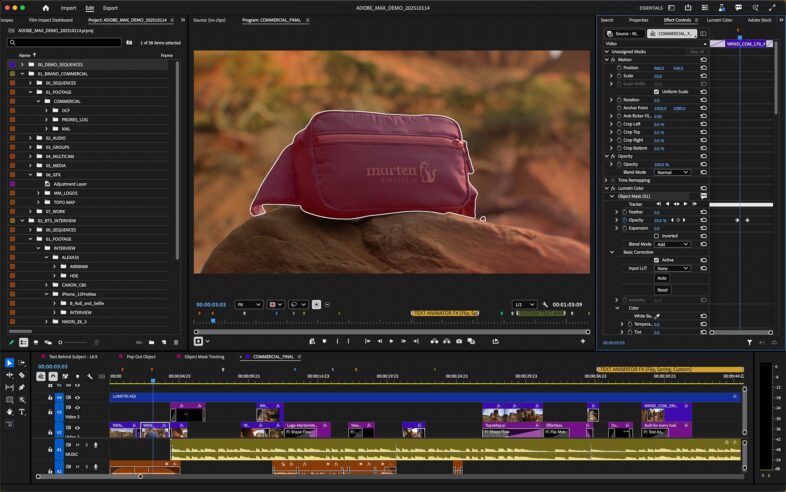 Premiere’s biggest new feature is the AI powered object masking tool. I have been playing with this for a while, and while it is impressive how quick it is, it is not perfect, and can be hard to make revisions to. I would say it is 95% of the way there, and already revolutionizes how masking is done.
 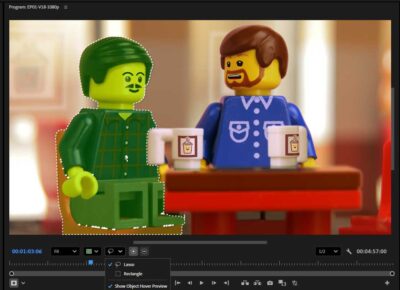 Previously, you would carefully review your takes, and determine which ones timed out the best together, before your would attempt to mask them together. Now, you mask every take in a couple seconds each, and see which take best fits your needs. Besides the object masking tools, Adobe has reworked the rest of the masking and tracking system as well, for vector shape masks. There are tools in the program panel for viewing masked areas in various colors for better contrast, and other tools for refining the process.
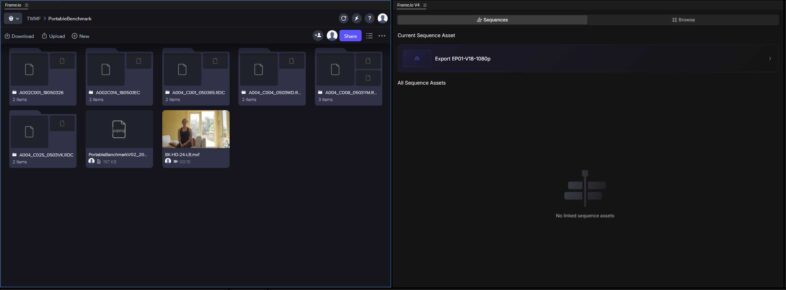 There is a new FrameIO V4 panel, which has been added alongside the existing legacy FrameIO panel, allowing users to log into accounts of either type. Similarly, the effects have been reorganized, with some of the new Film Impact effects replacing some of the longstanding options, which are now labeled as “legacy” effects.
 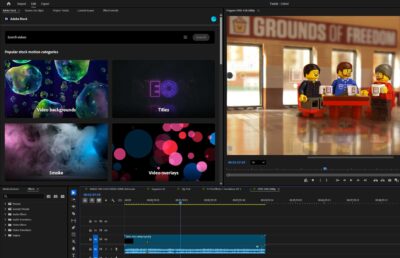 There is also now a dedicated panel for Adobe Stock, consolidating access within the application, offering access to over 50million assets online. Adobe also announced a direct link between Premiere and Firefly, allowing users to push assets generated in Firefly directly into their Premiere project, but that doesn’t appear to be available yet, at least not on my account. I don’t find myself using most of the integrated cloud panels, using the web based tools instead for FrameIO and such, but I would use a Firefly panel, purely because of how disjointed the process of getting all of the assets from the cloud into my project can be. They have a good process for getting them into the Firefly video editor, so I currently use that to create string-outs to download, but that takes time, and breaks the link to the original generation. Lack of reasonable file names is a big part of the problem. Allowing users to define a name for a shot, that auto increments for each iteration would greatly simplify the workflow. But being able to push directly to Premiere helps speed up the process, even if it doesn’t solve the naming and organization problem.
Adobe also claims to have greatly reduced application startup time on the Mac, and Premiere now supports R3D NE files from the Nikon ZR camera, which will certainly please some users.
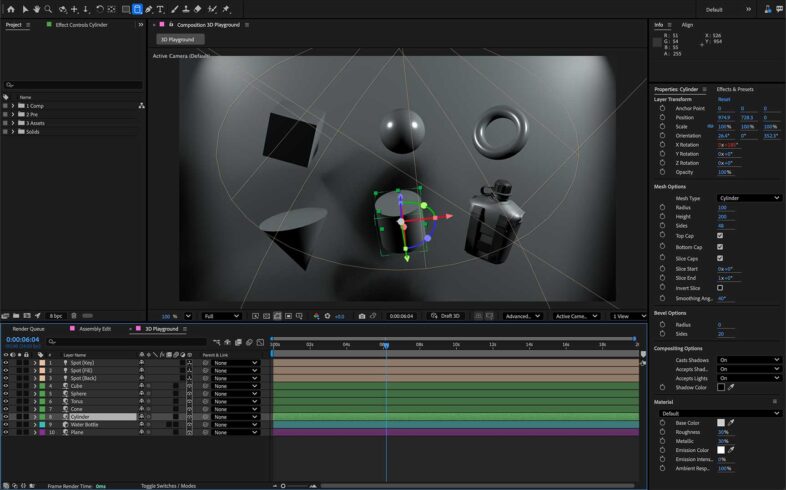 After Effects 26 was also released, with a number of new features. The most significant development is the addition of native 3D parametric meshes, like cubes, spheres, cones, rings, etc. directly within the application. This is adding more 3D functionality to what originated was a fake 3D application. These new 3D objects can now be textured with 1300 free materials now included with the program.
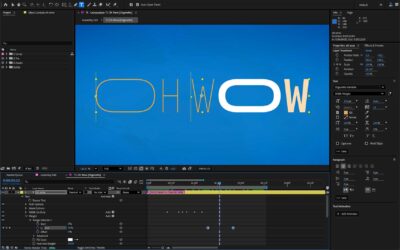 Another major change is Variable Font Animation, which gives users fully animated control over variable fonts. This offers a whole range of new typography possibility to motion graphics designers. After Effects can also now import SVG files as a stack of fully editable shape layers. And an “UnMult” effect has been added to remove the artifacts as the edges of assets with pre-multiplied alpha channels. They also claim to have further improved High Performance Preview Playback. I honestly don’t use After Effects nearly as much as I used to, primarily because Premiere has become so much more capable (and even more so with object based masking) but I certainly would have loved having some of these features available years ago when I was using it frequently.